I Was Drowning in Post-it Notes.
My desk used to look like a chaotic crime scene of overlapping sticky notes. I had brilliant ideas for new projects, but they were hopelessly scattered across physical notebooks and disjointed apps. Attempting to organize them manually left me completely overwhelmed and drained. That’s when I turned to the Best AI Mind Mapping Tools.
In 2026, we’ve moved far beyond basic digital whiteboards. I needed a smart assistant that could take my messy brain dumps and effortlessly transform them into structured, actionable visual plans in seconds. After rigorously testing the top platforms to see which ones deliver the fastest and most intuitive organization, I’ve compiled this definitive guide to the Best AI Mind Mapping Tools for 2026.
Disclosure: This post contains affiliate links. If you use these links to buy something, we may earn a commission.
🧠 Table of Contents
What’s New in 2026?
The landscape of visual brainstorming has shifted dramatically this year. In 2026, the Best AI Mind Mapping Tools are no longer just about generating static branches from a text prompt. We are now seeing hyper-personalized, context-aware AI that integrates directly with your entire workspace ecosystem. Tools are leveraging advanced multimodal AI, meaning you can speak into your phone, upload a messy whiteboard sketch, or drop in a massive PDF, and the AI will instantly synthesize it into an interactive, dynamic map. Furthermore, real-time collaborative AI is the new standard; multiple team members can prompt the same canvas simultaneously without the system breaking a sweat. Predictive mapping is also making waves, where the AI anticipates your next logical project phase and suggests branches before you even realize you need them. It’s an exciting era where these platforms act less like digital canvases and more like proactive brainstorming partners.
Top 5 Best AI Mind Mapping Tools Ranked
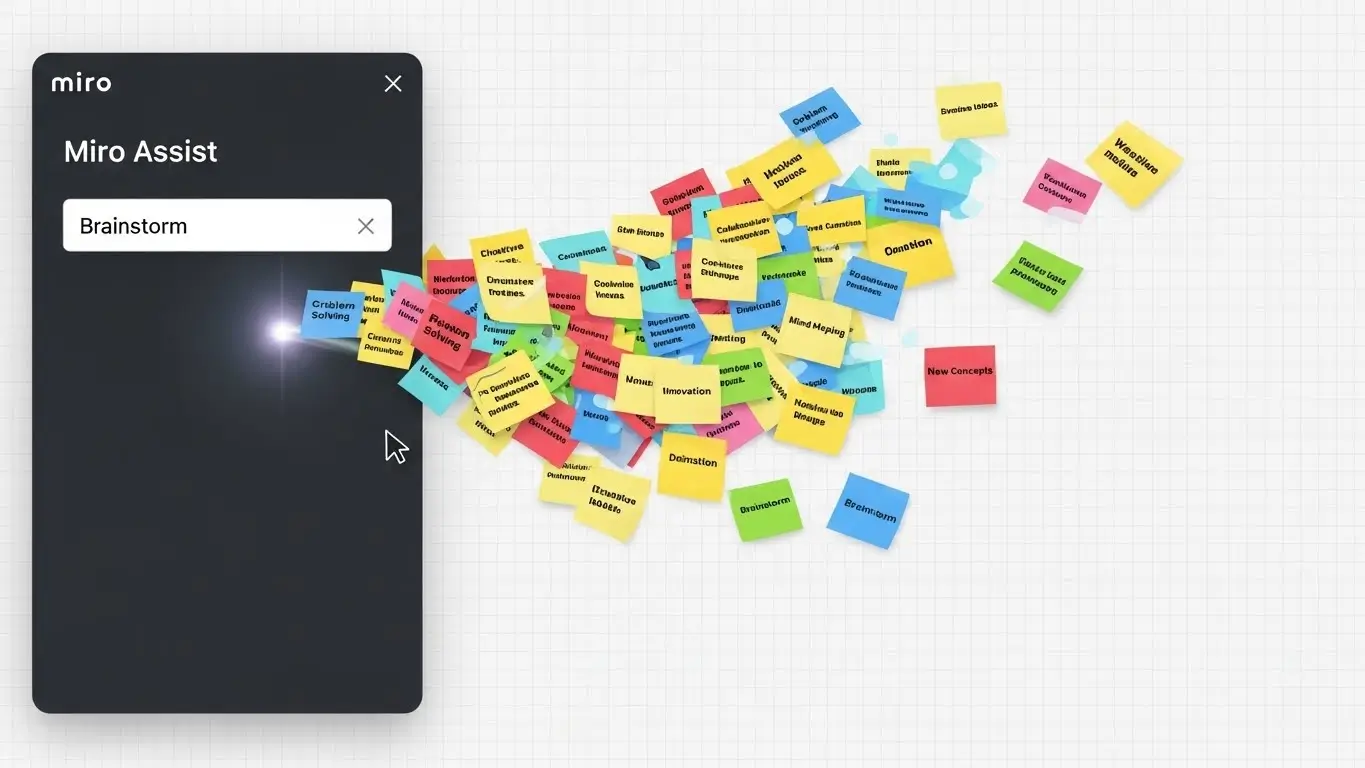
In 2026, Artificial Intelligence creates the structure for you. Unlike a traditional Mind Map where you have to draw every branch manually, these tools generate entire diagrams from a single prompt.

Comparison: Top Mapping Software 🧠
| Platform | Best For | Key AI Feature |
|---|---|---|
| Miro | Collaboration | Text-to-Diagram |
| Taskade | Productivity | Multi-View AI |
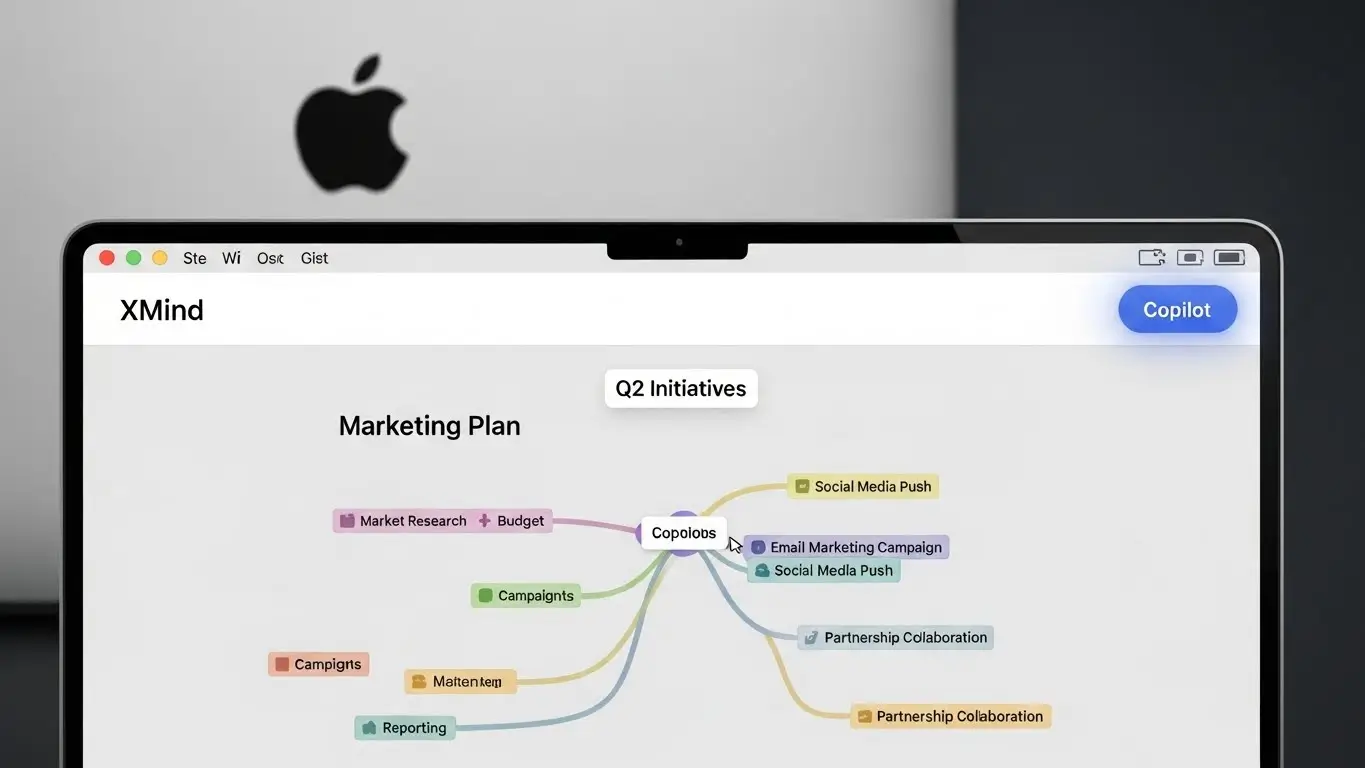
| Xmind | Students | Article Summary |
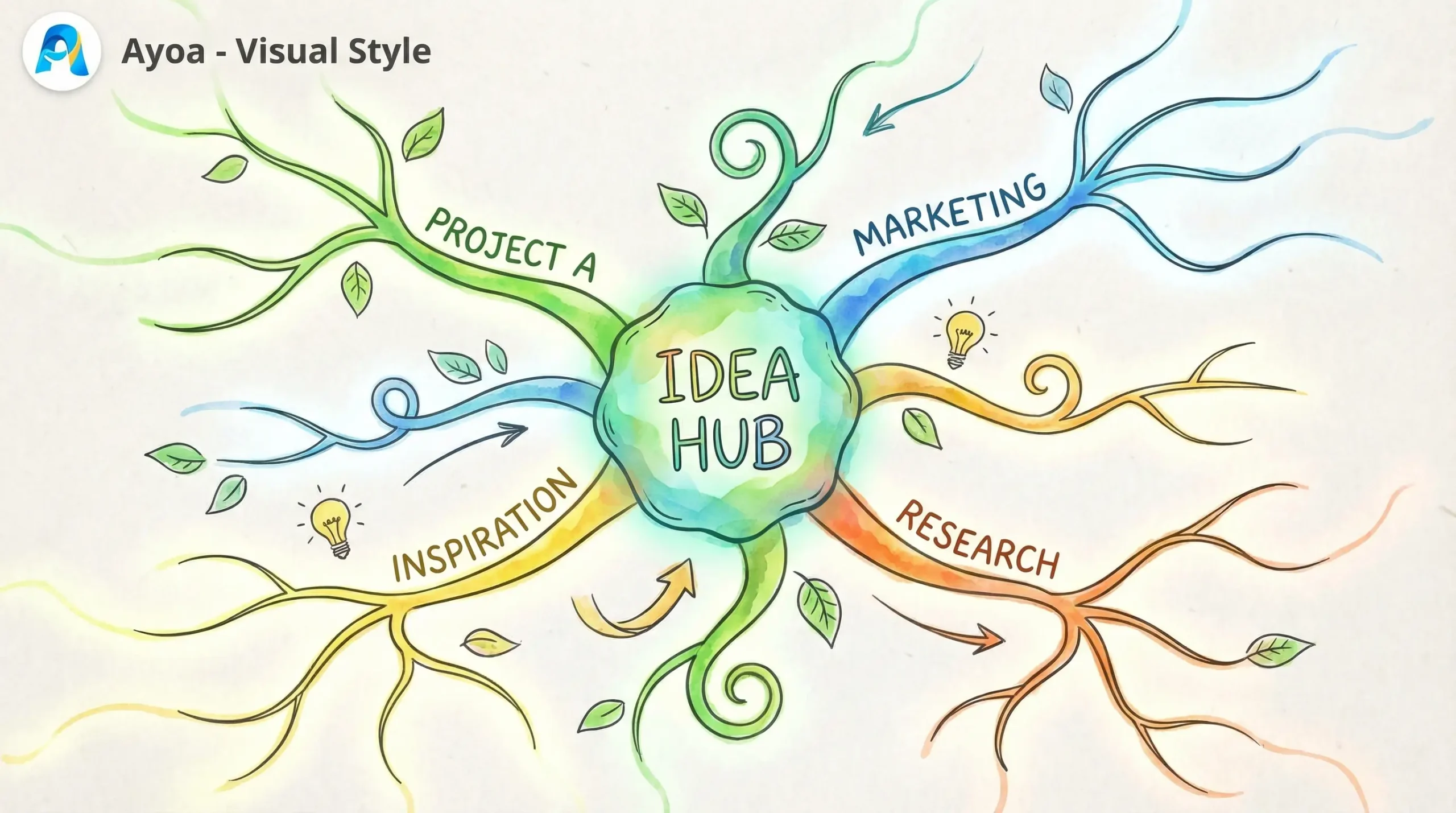
| Ayoa | Creatives | Organic Branches |
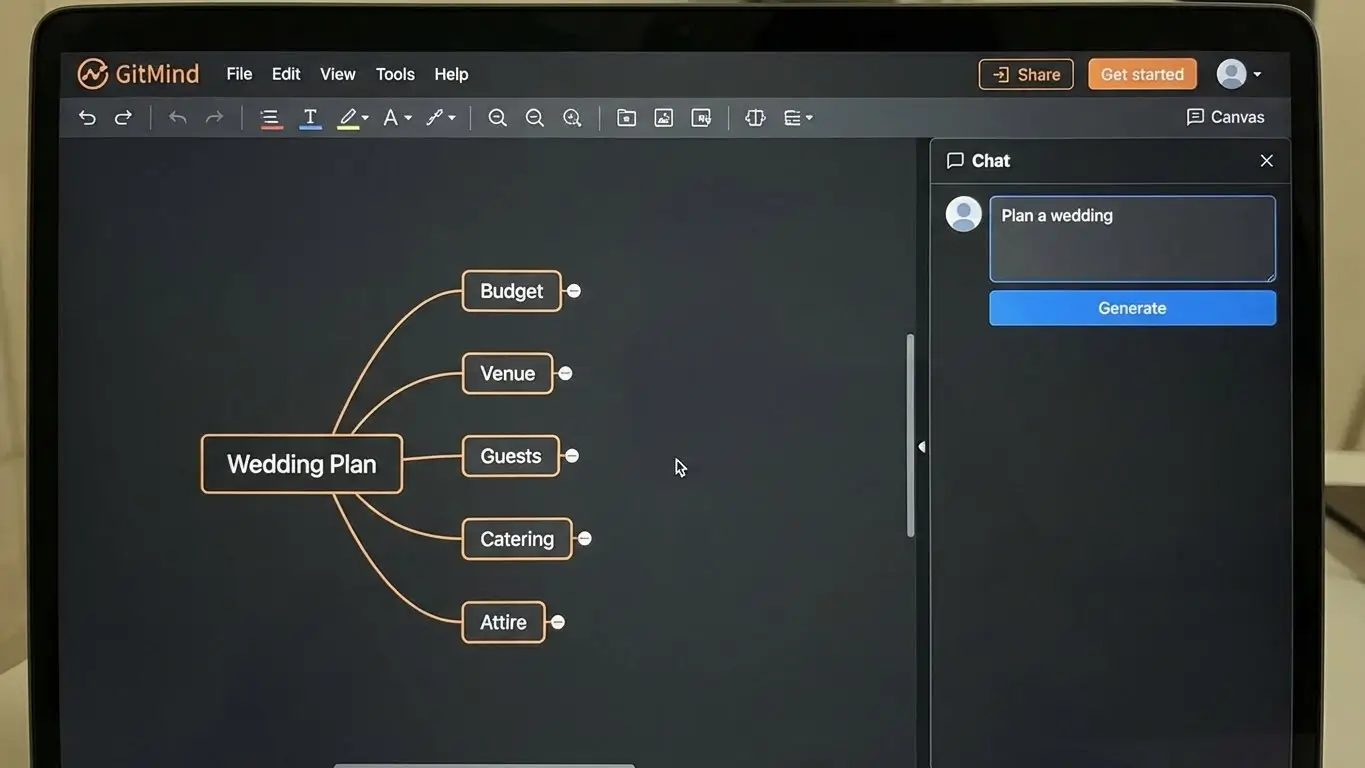
| GitMind | Beginners | Chat-to-Map |
Frequently Asked Questions (FAQ)
🆓 Are these tools free?
Most tools like Miro and Taskade offer a “Freemium” model. You can create 3-5 maps for free, which is usually enough for personal use. To unlock unlimited AI generation, you typically need a subscription.
⚡ Can AI generate a map from a PDF?
Yes. Tools like Xmind and Taskade allow you to upload a PDF or paste a long article, and the AI will summarize it into a structured map instantly.
📱 Do they work on iPad?
Absolutely. Because mind mapping is visual, using the Best AI Mind Mapping Tools on a tablet with a stylus (like an Apple Pencil) provides the best experience.
My Honest Verdict 🥇
As we navigate the fast-paced digital landscape of 2026, choosing the right visual workspace is more crucial than ever. So, which of the Best AI Mind Mapping Tools truly takes the crown?
For enterprise-level professional teams and seamless real-time collaboration, Miro remains absolutely unbeatable with its robust AI integrations.
However, for personal productivity, solo entrepreneurs, and effortlessly turning raw ideas into actionable workflows, Taskade is our ultimate top choice. Stop letting brilliant ideas slip through the cracks—let AI do the heavy lifting.
Best AI Mind Mapping Software (2026)

AI-powered tools for brainstorming, planning, and creating visual diagrams.
Price Currency: USD
Operating System: Web, Windows, macOS
Application Category: ProductivityApplication
4.8