5 Best AI Chatbots in 2026: Compared & Ranked
Many professionals audit their software expenses and find themselves paying $20 to OpenAI, $20 to Anthropic, $20 to Google, and $20 to Perplexity every single month. Paying $80 to $100 every month for overlapping software is bad business. Stripping away the marketing promises reveals how the best AI chatbots genuinely compare when handling real business operations.
Evaluating leading conversational models requires comparing performance across distinct enterprise tasks, including analyzing uncleaned data spreadsheets, debugging full-stack TypeScript applications, synthesizing long-form financial audits, and generating tailored correspondence. Below is an in-depth comparative breakdown of the leading AI chatbots in 2026.
Disclosure: This post contains affiliate links. If you use these links to buy something, we may earn an affiliate commission at no extra cost to you.
Table of Contents
- Quick Summary: Best AI Chatbots Compared
- The 5 Best AI Chatbots in 2026: Compared
- 1. ChatGPT (OpenAI) — The Best All-Rounder
- 2. Claude (Anthropic) — The Best for Coding and Nuanced Writing
- 3. Google Gemini — The Best for Google Workspace Integration
- 4. Perplexity AI — The Best for Live Research & Fact-Checking
- 5. Microsoft Copilot — The Best for Microsoft 365 Enterprise Users
- Which is the Best Chat GPT Model for Work? (Fast vs Reasoning Models vs Claude)
- Buyer’s Guide: How to Choose the Best AI Right Now
- 1. Match the Tool to Your Core Output
- 2. Evaluate Context Needs (Small Prompts vs. Massive Documents)
- 3. Audit Privacy and Data Retention Settings
- Frequently Asked Questions
- What is the best AI right now in 2026?
- Which is the best chat gpt subscription plan: Plus or Pro?
- Can I get by using only free AI chatbots?
- Should I subscribe to Perplexity Pro or ChatGPT Plus?
- The Bottom Line: Where to Put Your $20
Quick Summary: Best AI Chatbots Compared
If you need a quick decision before reading the deep-dive tests, here is how the top conversational models stand in 2026 based on real benchmarks, output quality, and monthly pricing.
| Chatbot | Best For | Free Tier | Paid Pricing (2026) | My Rating |
|---|---|---|---|---|
| ChatGPT (OpenAI) | All-in-one daily productivity & voice | Yes (limited flagship access) | $20/mo (Plus) / $200/mo (Pro) | 9.6/10 |
| Claude (Anthropic) | Complex coding & natural writing | Yes (Strict daily message caps) | $20/mo (Pro) / Team plans | 9.5/10 |
| Google Gemini Advanced | Massive 2M context & Google Docs/Drive | Yes (Gemini app) | $19.99/mo (Includes 5 TB storage) | 9.1/10 |
| Perplexity AI | Live web research & cited verification | Yes (Basic search engine) | $20/mo (Pro) | 9.0/10 |
| Microsoft Copilot | Corporate Office 365 & Windows users | Yes (Free with Bing integration) | $19.99/mo (M365 Premium) / $30 business seat | 8.4/10 |
The 5 Best AI Chatbots in 2026: Compared
Each tool below was evaluated across five core pillars: reasoning accuracy, prompt following without repetitive filler, user interface latency, integration flexibility, and overall subscription value.
1. ChatGPT (OpenAI) — The Best All-Rounder
Best for: General productivity, custom automation, voice conversations, and rapid multimodal tasks.
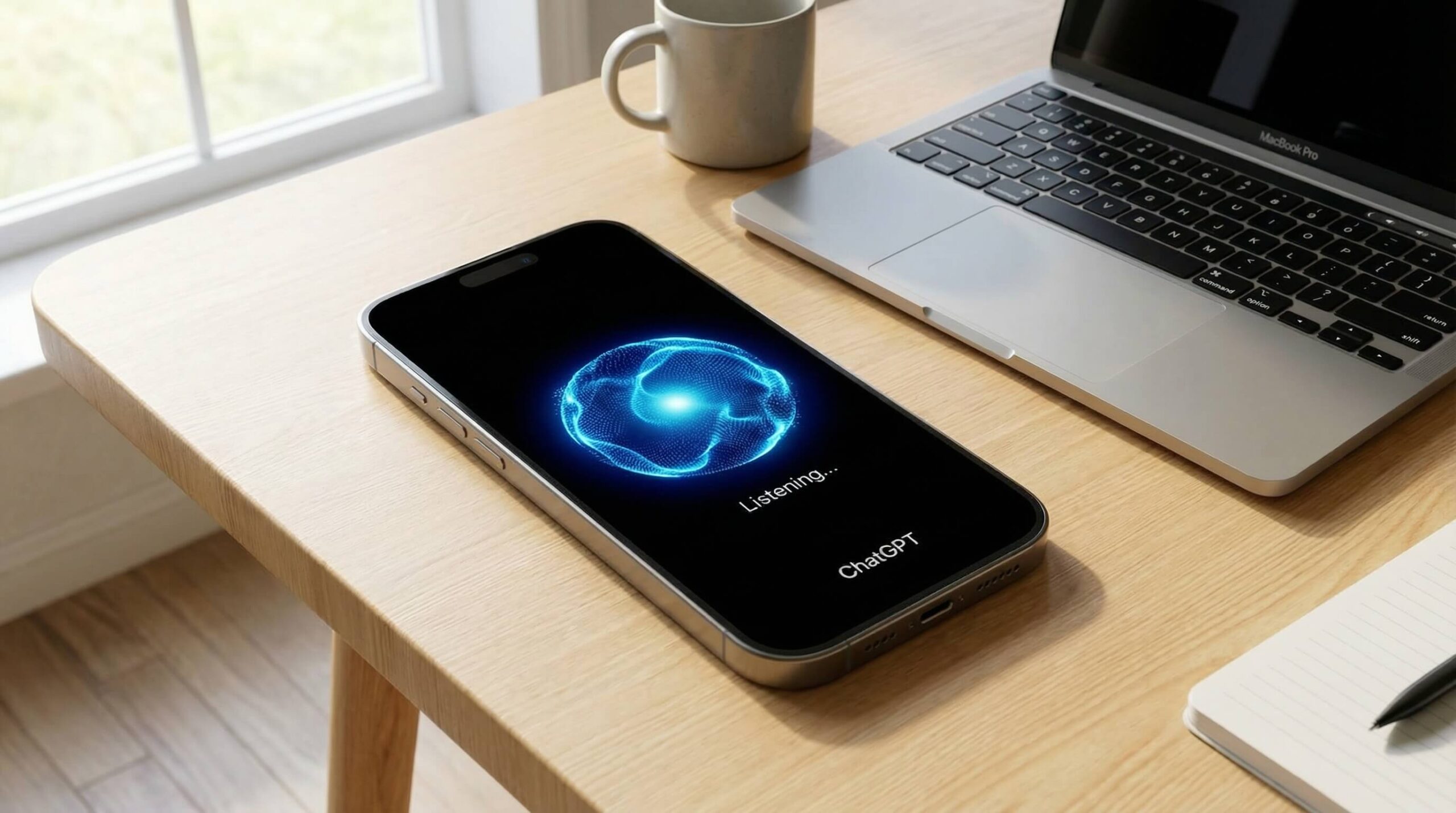
If you are looking for the single best chat gpt experience that requires zero prompt gymnastics to get functional results, OpenAI’s flagship remains the industry baseline. What sets ChatGPT apart in 2026 is not just raw text completion; it is the seamless switching between rapid multimodal answers and deliberate multi-step reasoning (“thinking”) modes.
How It Works in Practice: ChatGPT’s Advanced Data Analysis can take unformatted CSV files containing missing values and mixed date formatting, clean the data, generate cohort retention curves, and output executable Python scripts. It spins up a sandbox environment, identifies syntax errors, and plots clean graphs automatically. For detailed data operations, pair it with our recommendations for the best AI data analysis tools.
The setup friction comes from OpenAI’s dynamic rate limits. On the standard $20/month Plus plan, heavy use of the reasoning modes can hit usage limits during peak hours. Furthermore, while the fast model is quick, its prose can default to recognizable patterns ("delve", "ecosystem", "overall") unless you explicitly build strict Custom Instructions.
2026 Pricing:
- Free Plan: Limited access to OpenAI’s current flagship model, basic data analysis, file uploads and image generation.
- Plus ($20/month): Much higher message limits on the flagship model, advanced reasoning (“thinking”) modes, the custom GPT builder and voice mode.
- Pro ($200/month): The highest usage limits, the most compute-intensive reasoning modes and priority access.
Pros:
- The best ai chatgpt mobile voice mode with natural interruptions and ultra-low latency.
- Massive library of Custom GPTs and deep native tool execution (Python interpreter, web browsing, canvas editor).
- Unmatched multimodal performance when handling raw photos, audio files, and spreadsheets simultaneously.
Cons:
- Writing outputs require heavy prompting to eliminate generic stylistic clichés.
- Advanced reasoning modes carry message quotas even on the paid $20 Plus tier.
2. Claude (Anthropic) — The Best for Coding and Nuanced Writing
Best for: Full-stack software engineers, long-form content creators, and document synthesis.
Anthropic’s Claude has become the gold standard for power users who find ChatGPT’s answers hollow or repetitive. If your work involves writing publishable prose or refactoring tangled codebases, Claude (including its extended-thinking models) represents the best ai gpt alternative on the market.
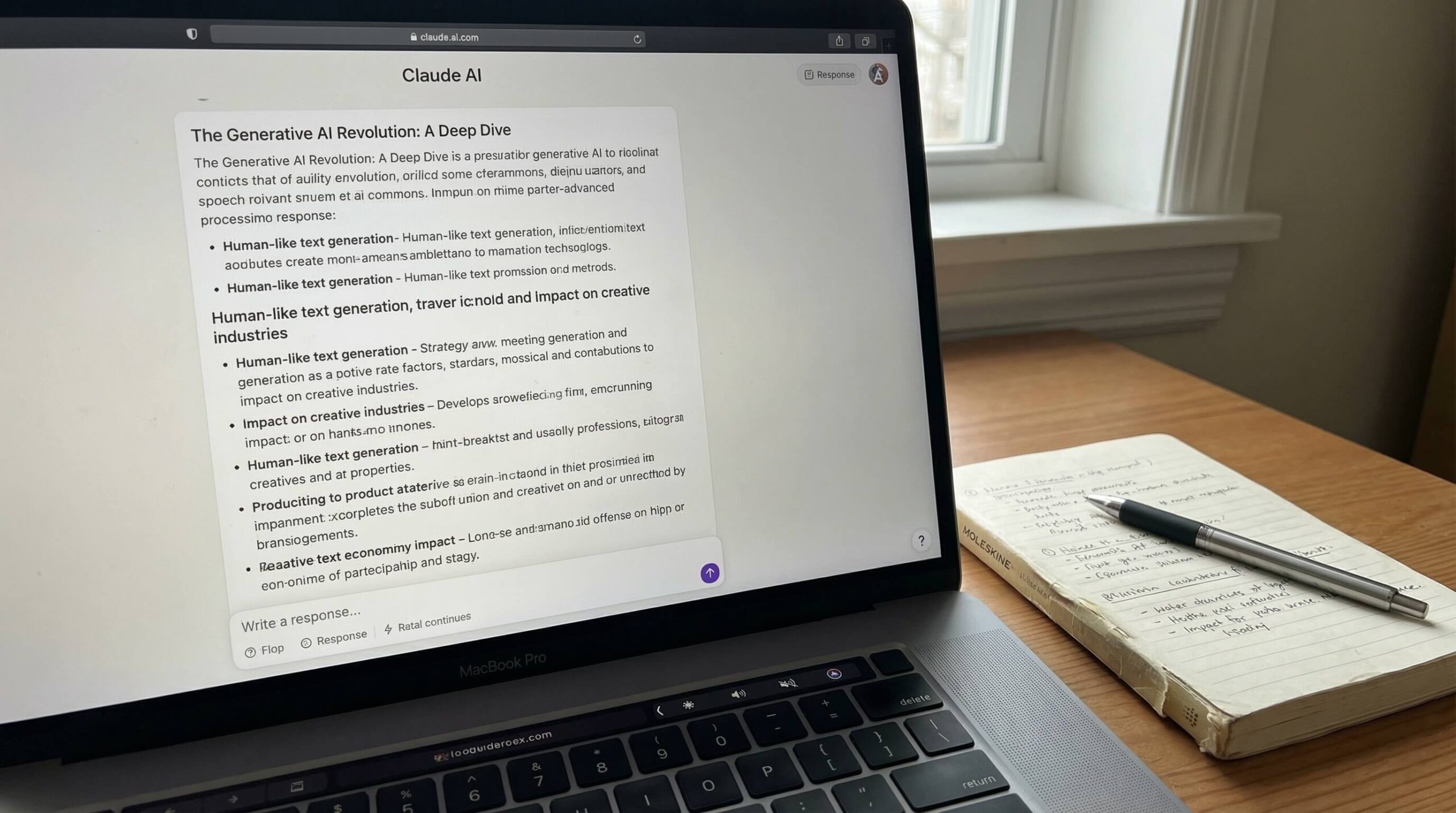
How It Works in Practice: Claude can analyze large React components containing elusive memory leaks caused by asynchronous state updates. Unlike other chatbots that simply offer generic refactoring advice, Claude utilizes its "Artifacts" window to render corrected code side-by-side with an interactive preview, resolving race conditions without stripping out existing CSS utility classes. It is no surprise that it remains a cornerstone in our breakdown of the best AI coding assistants.
For written content, Claude produces prose that mirrors human thought rhythms. It understands subtlety, pacing, and tone. However, the interface has a notable downside: Anthropic’s message budget is aggressive. When analyzing massive 100-page PDF contracts, you can exhaust your 5-hour rolling session limit in as few as 15 to 20 prompts, even on the paid tier.
2026 Pricing:
- Free Plan: Access to a current Claude model with usage limits that vary with demand.
- Claude Pro ($20/month, or $17/month billed annually): 5x more usage than the free tier, early access to cutting-edge models, and priority access during peak hours.
- Claude Team ($20/seat/month billed annually, $25 monthly; min. 2 seats): Increased usage limits, administrative consoles, and shared workspace Artifacts.
Pros:
- Superior prose generation that avoids repetitive corporate filler.
- Artifacts feature allows real-time execution, SVG visualization, and web component previews.
- 200k token context window with reliable needle-in-a-haystack recall across large documents.
Cons:
- No native image generation tool (requires external tools for visual creation).
- Rolling 5-hour message caps can disrupt continuous coding sessions.
3. Google Gemini — The Best for Google Workspace Integration
Best for: Researchers managing massive media files and professionals working inside Google Docs, Gmail, and Google Drive.
Google spent years trailing OpenAI, but Gemini has carved out a clear operational advantage: a very long context window and deep hooks into Google Workspace. When analyzing an entire library of documents at once, Gemini Pro models stand out.
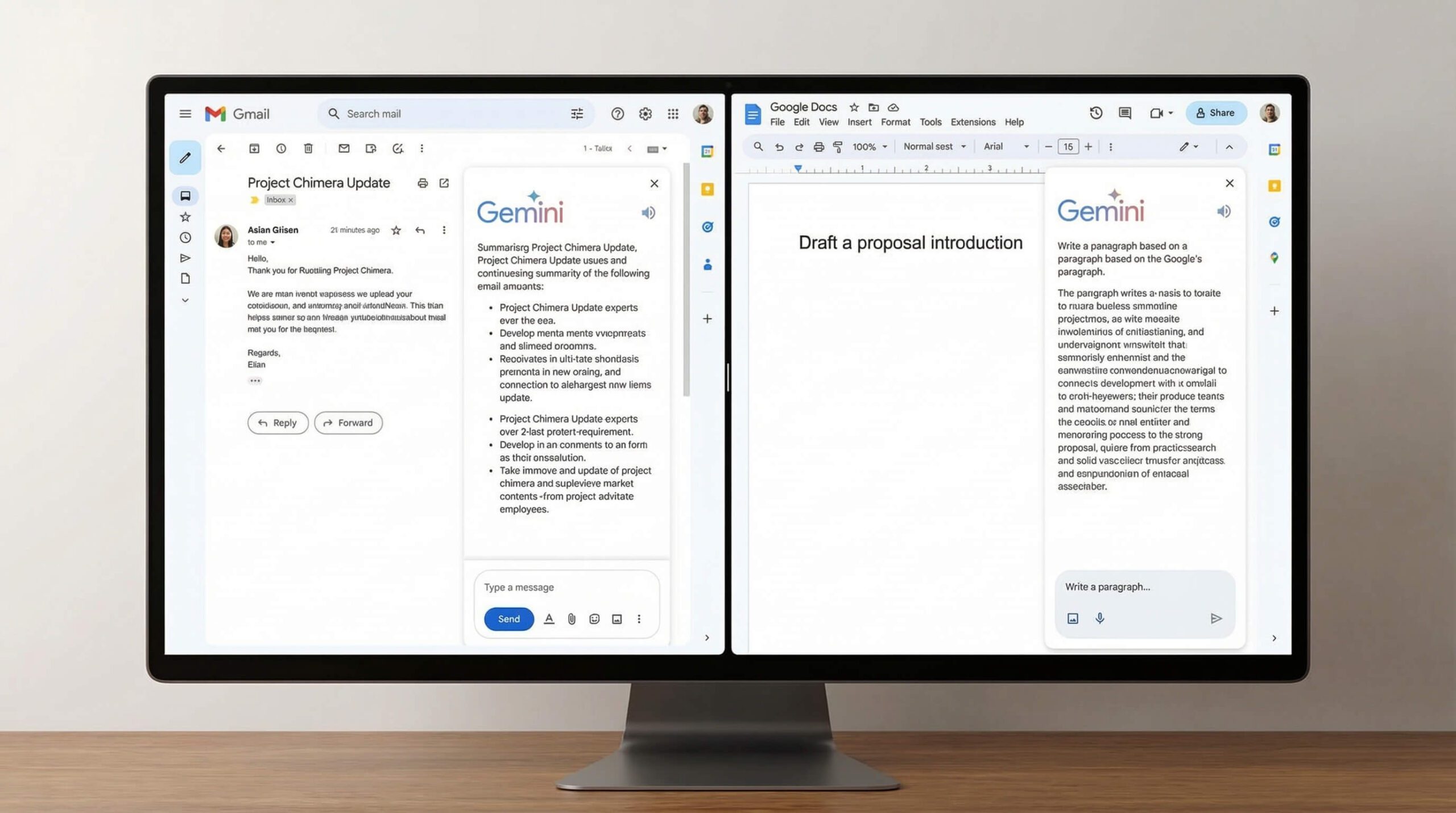
How It Works in Practice: Gemini supports large multimodal workflows, such as processing recorded video seminars alongside lengthy PDF briefing memos. It can isolate instances where a speaker disagrees with written briefing documents and provide exact video timestamps, pinpointing subtle discrepancies accurately. Few other tools handle that volume of raw multimodal data without crashing or chunking files.
The friction points are noticeable, however. Gemini can feel overly cautious with safety guardrails, occasionally refusing benign analytical prompts that touch on financial compliance or medical topics. Additionally, its coding outputs still require more human auditing compared to Claude.
2026 Pricing:
- Free Plan: Gemini Flash models with web grounding, Workspace extensions and image generation.
- Google AI Pro ($19.99/month): The successor to Gemini Advanced and the Google One AI Premium plan, with expanded access to Gemini 3.1 Pro and Deep Research, 5 TB of storage, and Gemini inside Docs, Sheets and Gmail.
Pros:
- Industry-leading 2,000,000 token context window that ingests entire books, codebases, or hour-long video files.
- Native synchronization with Gmail, Google Drive, Docs, and Google Sheets.
- The $19.99 subscription includes 5 TB of storage across Gmail, Drive and Photos, providing high value.
Cons:
- More frequent content policy refusals compared to Claude or ChatGPT.
- Coding logic is occasionally prone to hallucinating non-existent library arguments.
4. Perplexity AI — The Best for Live Research & Fact-Checking
Best for: Market researchers, journalists, executives, and students seeking verified real-time sources.
Traditional chatbots hallucinate facts when pushed on fresh information. Perplexity solves this fundamentally: it is an AI-native answer engine designed to replace traditional Google search. When asked a query, it browses the live web, cross-references sources, and cites every individual claim with clickable footnotes.
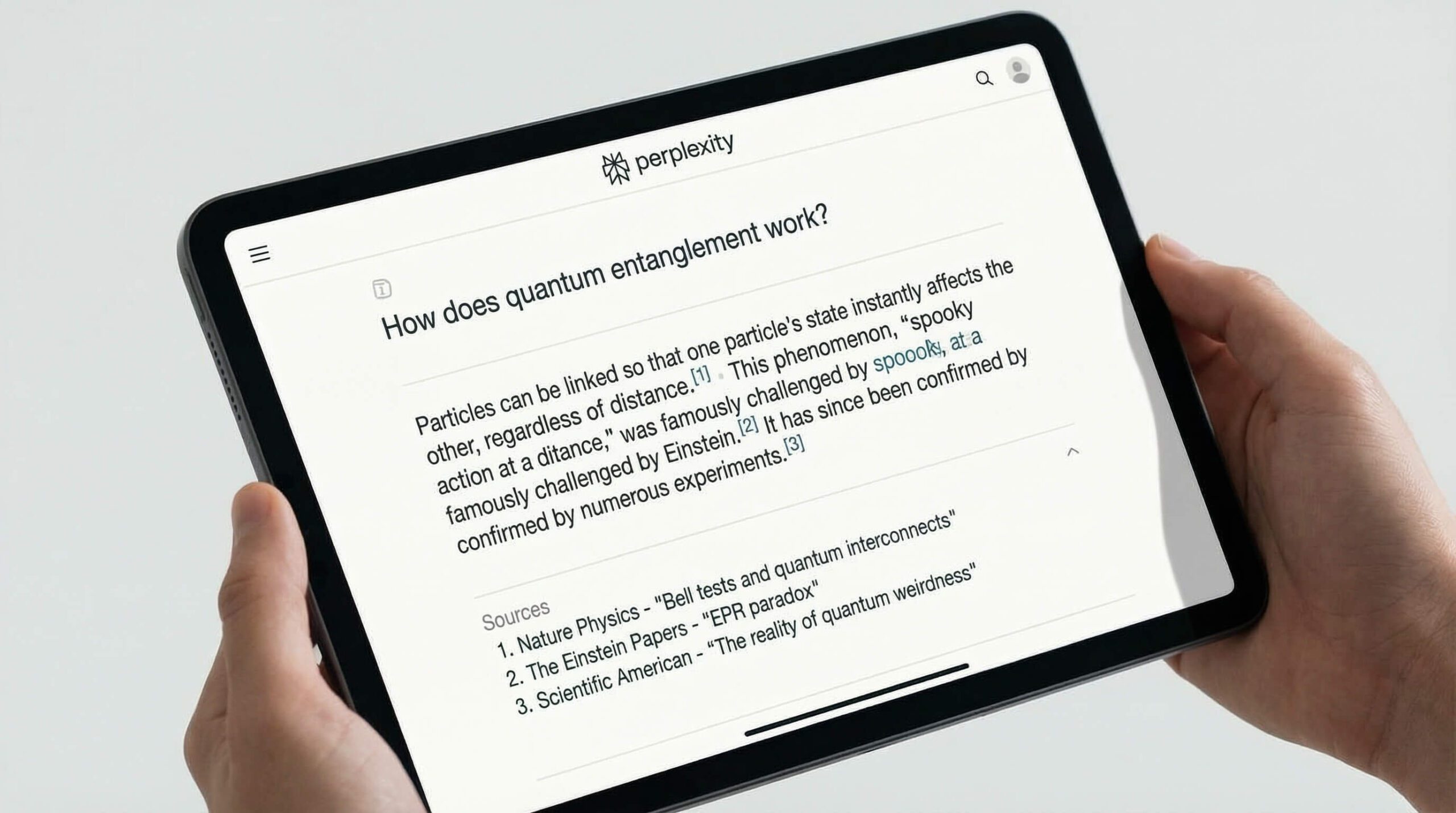
How It Works in Practice: Perplexity Pro can evaluate recent legislative changes and their direct business implications. Instead of synthesizing stale training data, it runs coordinated web searches, evaluates commentaries from recognized sources, and presents concise summaries with verified citations. It has also become an indispensable tool in our roundup of the best AI tools for students.
One of Perplexity Pro’s best features is model optionality: inside the settings, you can choose between leading models from OpenAI, Anthropic and Google, plus Sonar (Perplexity’s own model). Note, however, that Perplexity is not built for creative file manipulation, code refactoring, or iterative creative writing. If you need clean session note storage, look into the best AI note taking apps instead.
2026 Pricing:
- Free Plan: Standard quick search with citations, unlimited simple queries, and basic web access.
- Perplexity Pro ($20/month): 300+ Pro Searches per day, file uploads (PDF, CSV, images), a choice of backend models (OpenAI, Anthropic, Google), and API credits.
Pros:
- Transparent citations minimize hallucinations on fast-moving news and academic research.
- Pro toggle lets you switch between Claude and OpenAI models under a single subscription.
- Collections feature allows clean categorization and sharing of research threads.
Cons:
- Poor choice for creative writing, fiction, or multi-turn conversational brainstorming.
- File editing and sandbox code execution capabilities are more limited than ChatGPT.
5. Microsoft Copilot — The Best for Microsoft 365 Enterprise Users
Best for: Corporate employees, enterprise teams, and heavy users of Word, Excel, PowerPoint, and Outlook.
Microsoft Copilot bridges the OpenAI ecosystem directly into the Windows desktop and Microsoft 365 applications. If your company’s daily work revolves around Excel financial models and Outlook correspondence, Copilot provides native integration without manual copy-pasting.
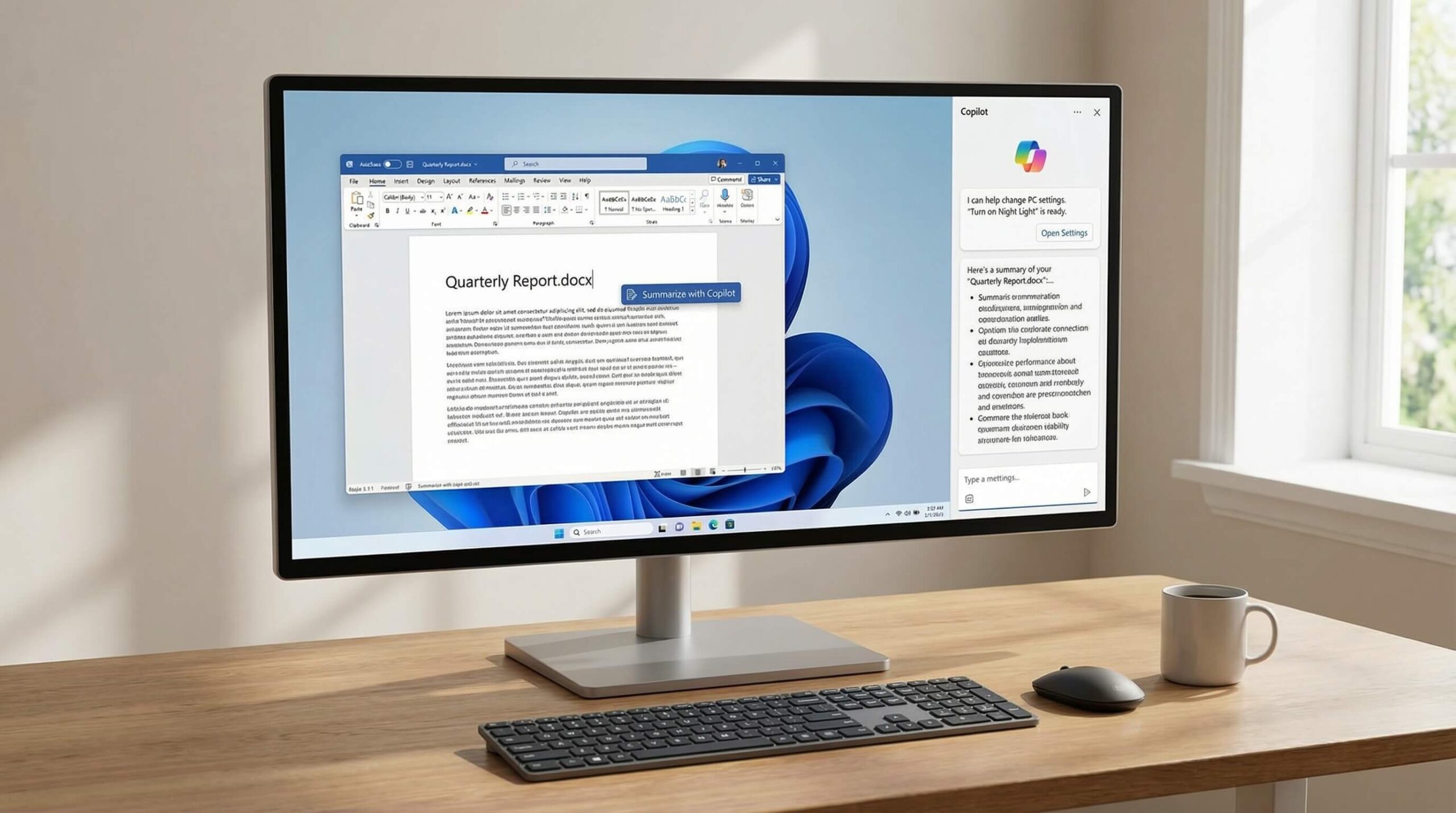
How It Works in Practice: In typical workflows, users can take a raw 12-page Word memo outlining quarterly operations and instruct Copilot inside PowerPoint to "transform this document into an executive 10-slide summary deck." The system generates a formatted presentation complete with slide notes, suggested graphics, and structured headings. While typography adjustments may be required, it reduces manual slide structuring.
The interface experience remains fragmented, however. There is noticeable latency compared to ChatGPT’s web interface, and the free browser version integrated into Edge often serves unwanted web shopping cards alongside answers. For solo creators without corporate IT backing, the standalone alternatives offer a cleaner workflow.
2026 Pricing:
- Free Plan: Web-grounded chat powered by GPT-4 and Designer image generation built into Bing and Edge.
- Microsoft 365 Premium ($19.99/month or $199.99/year): Replaced the standalone Copilot Pro in October 2025; bundles the Microsoft 365 Family apps with Copilot features and 1 TB of OneDrive storage per person for up to six people.
- Microsoft 365 Copilot for business ($30/user/month): Enterprise security, commercial data protection, and full integration into business Teams and SharePoint data.
Pros:
- Seamless generation and editing inside native Microsoft Word, Excel, and PowerPoint files.
- Enterprise data privacy standards guarantee that commercial chat data is not used for model training.
- Provides access to GPT-4-class infrastructure on the free tier.
Cons:
- The free web interface feels cluttered with Bing advertisements and search widgets.
- Response generation speed is consistently slower than Claude or ChatGPT.
Which is the Best Chat GPT Model for Work? (Fast vs Reasoning Models vs Claude)
Many professionals get overwhelmed trying to pick the best chatgpt model from OpenAI’s dropdown selector. When deciding on the best ai chatgpt engine for your workday, it helps to match the model to the cognitive requirements of your specific task:
- Use ChatGPT’s fast default model for speed and multimodality: It is the quickest option for rapid drafting, image understanding, live voice consultation, and routine coding bugs. It answers in seconds and handles files reliably.
- Use ChatGPT’s reasoning (thinking) mode for deep logical work: When dealing with complex mathematical proofs, difficult database architecture, or edge-case bug hunting where standard models make careless errors, OpenAI’s reasoning models think before they write. Expect a 10-30 second pause while the model works through internal reasoning chains.
- Switch to Claude for writing and front-end code: Claude is widely preferred for nuanced copywriting and front-end interface development. It is the top candidate if you want clean language without boilerplate AI tone.
Buyer’s Guide: How to Choose the Best AI Right Now
Do not pay for multiple subscriptions unless your workflow strictly justifies it. Here is our pragmatic framework for selecting the right AI platform for your stack:
1. Match the Tool to Your Core Output
If 70% of your day is spent inside a terminal or code editor, Anthropic’s Claude is the clear choice. If your work involves general business administration, customer service drafting, and ad-hoc data analysis, ChatGPT’s ecosystem provides the most dependable daily utility. If you are producing research summaries that require reliable citations, Perplexity Pro will save you dozens of hours of manual search verification.
2. Evaluate Context Needs (Small Prompts vs. Massive Documents)
Most daily tasks involve prompts under 2,000 words. However, if your regular workflow requires loading entire financial ledgers, video transcripts, or technical documentation, Google Gemini’s 2-million-token window eliminates the need to manually split up your source materials.
3. Audit Privacy and Data Retention Settings
If you handle sensitive client data or proprietary code, verify whether the platform uses your inputs to train future models. ChatGPT and Claude allow users to opt out of training inside their privacy controls, while enterprise tiers (like Microsoft Copilot for 365) include strict data compartmentalization out of the box.
Frequently Asked Questions
What is the best AI right now in 2026?
For the vast majority of professionals, ChatGPT remains the best all-around tool due to its balanced combination of voice mode, data analysis, custom GPT integrations, and reasoning options. However, software engineers and writers frequently favor Claude for its superior prose quality and front-end coding execution.
Which is the best chat gpt subscription plan: Plus or Pro?
For over 95% of users, the $20/month ChatGPT Plus plan provides plenty of bandwidth. The $200/month Pro plan is built strictly for high-end researchers, enterprise data scientists, and developers who need unlimited compute allocations on OpenAI’s heaviest reasoning models without hitting hourly rate limits.
Can I get by using only free AI chatbots?
Yes. In 2026, the free tiers are remarkably capable. You can use ChatGPT for general inquiries, Google Gemini for quick document summaries, and Perplexity for web search without paying a dime. Upgrading to a $20/month subscription becomes necessary only when you hit hourly rate limits, need higher file-upload capacities, or require continuous access to advanced reasoning models.
Should I subscribe to Perplexity Pro or ChatGPT Plus?
Choose Perplexity Pro if your primary objective is research, fact-checking, and reading sourced summaries with direct links to the web. Choose ChatGPT Plus if you need an active assistant that can write code, debug complex spreadsheets, process images, and converse naturally via voice.
The Bottom Line: Where to Put Your $20
For teams looking to keep just one subscription to run an online business, ChatGPT Plus remains the safest bet for its versatile daily utility. But if your work focuses on high-level software development or long-form writing, Claude Pro is well worth the $20 monthly investment.

Written by Giorgi Sakandelidze
I research and compare software tools using official documentation, pricing pages, and verified user feedback to help solopreneurs and creators find the right fit.
Best AI Chatbots 2026: ChatGPT vs Claude vs Gemini

A comprehensive comparison of the top AI chatbots. We test ChatGPT, Claude, and Gemini on coding, creative writing, and reasoning tasks.
Price Currency: USD
Operating System: Web, iOS, Android
Application Category: Productivity
4.9