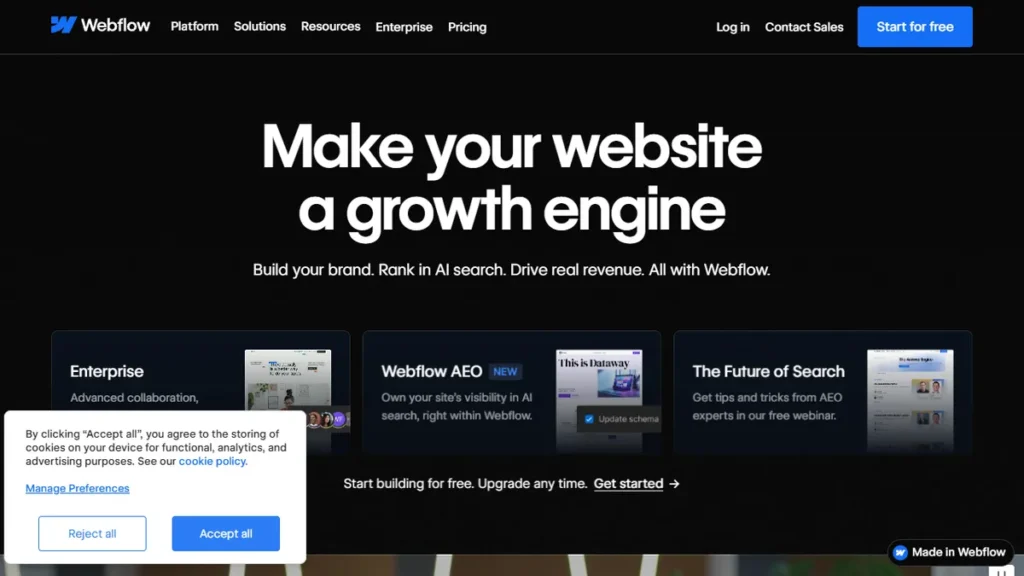
I used Webflow exclusively for three years before realizing I was overcomplicating everything. My client needed a high-converting landing page by Friday, and I had exactly two days to figure out the fastest way to get it live. That tight deadline forced me to re-evaluate my entire tool stack.
For a long time, Webflow was the unquestioned king of freelance web design. Then Framer pivoted from a simple prototyping app into a full-blown website builder, and the entire design community lost its collective mind. Suddenly, everyone was jumping ship.
But here is the harsh truth nobody tells you on Twitter. Neither of these platforms is flawless, and picking the wrong one will absolutely destroy your profit margins. I spent the last few weeks migrating a live client site back and forth just to see where the friction actually lies.
If you are stuck choosing between webflow vs framer, you need to completely ignore the marketing hype. I am going to break down exactly where each tool shines and where they fall apart completely. I am not sponsored by either company, so expect a brutally honest take.
When evaluating webflow vs framer, you have to look at your actual workflow, not just the flashy AI generation features they keep advertising. Let’s get into the weeds of what it actually feels like to build with these two giants.
Table of Contents
What You Actually Need to Know Before Paying for Either
When you sit down to compare webflow vs framer, the first thing you notice is the massive difference in core philosophy. Webflow desperately wants you to think like a developer. Framer wants you to design exactly like a graphic artist.
This fundamental divide dictates everything about how you will interact with the canvas. If you understand CSS flexbox and grid mechanics, Webflow feels like a familiar, powerful home. If you live your life inside Figma, Framer feels like pure magic.
But visual layout is only half the battle. You have to carefully consider content management systems, hosting performance, and client handoff requirements. I have seen too many freelancers sell a Framer site to a complex enterprise client, only to realize the database cannot handle their specific relational logic.
According to a recent report on digital workflows by Gartner, development speed is the number one metric for agency profitability. You cannot afford to spend three hours wrestling with a responsive breakpoint that should take ten seconds. This is exactly where these modern builders are starting to shift the balance.
Pricing models also dictate a massive part of this decision. Both companies have a nasty habit of quietly raising limits or locking essential features behind higher enterprise tiers. You have to forecast what the site will actually cost six months from now when your client’s traffic inevitably doubles.
Data from Statista shows that mobile traffic now accounts for over half of all web requests globally. This means your builder’s automatic responsive features are not just a nice-to-have, they are mandatory for business survival. When testing webflow vs framer, I purposely broke layouts on mobile just to see how easily they could be fixed.
Webflow gives you granular, pixel-perfect control over every single breakpoint. Framer tries to guess what you want, which is brilliant when it works and incredibly frustrating when it fails. You have to decide if you prefer absolute control or absolute speed.
If you are building a simple startup landing page, speed usually wins hands down. But if you are building a massive editorial site with hundreds of dynamic pages, control is strictly non-negotiable. Do not let anyone tell you one tool is objectively better without knowing exactly what you are building.
Comparison Table 📊
| Tool | Best For | Starting Price | Free Plan | Rating |
|---|---|---|---|---|
| Webflow | Complex, scalable sites | $14/month | Yes | 4.8/5 |
| Framer | Fast marketing pages | $15/month | Yes | 4.7/5 |
Frequently Asked Questions
Which is actually better, webflow vs framer?
When comparing webflow vs framer, the better choice entirely depends on your technical background. If you are a visual designer who lives in Figma and needs to launch fast marketing sites, Framer is better. If you need a scalable CMS with deep developer control and complex data structures, Webflow easily wins.
Can I export code from these builders?
Webflow allows you to export clean, production-ready HTML, CSS, and assets if you are paying for a Workspace plan. This is fantastic if you prefer hosting elsewhere. Framer, on the other hand, is a closed ecosystem. You cannot export your code to host on your own servers.
Are both platforms good for SEO?
Yes, both platforms are heavily optimized for search engines right out of the box. They offer automatic sitemaps, clean semantic markup, and easy meta tag management. However, Webflow gives you slightly more technical control over 301 redirects and schema markup for complex enterprise SEO strategies.
When deciding between webflow vs framer, do I need to know how to code?
You do not need to write actual code for either, but they require vastly different mindsets. Webflow requires you to understand coding principles like the CSS box model and flexbox. Framer requires zero coding knowledge, acting much more like a free-form vector design canvas.
My Final Verdict on webflow vs framer 🥇
After migrating client sites back and forth, my final verdict on webflow vs framer comes down to the actual scope of your project. They are not direct replacements for each other, no matter what Twitter says.
I still use Webflow for 70% of my heavy client work. The CMS is just too powerful to abandon, and the absolute control over responsive breakpoints ensures I never deliver a buggy layout. It is the safe, highly scalable choice for long-term business sites.
But Framer has permanently earned its place in my toolkit for rapid prototyping and sleek SaaS landing pages. The sheer speed of pasting directly from Figma and adding scroll effects is undeniable. If I need a gorgeous, highly animated one-page site live by tomorrow morning, Framer is the only tool I am opening.
The webflow vs framer debate will probably rage on for years. Stop trying to force one tool to do everything. Buy Webflow for the architecture. Buy Framer for the speed.

Written by Giorgi Sakandelidze
I independently test and review software tools to help fellow solopreneurs find the exact right solution. My hands-on testing process covers real-world freelance use cases, pricing accuracy, and genuine limitations — not recycled vendor marketing copy.
Learn about my review methodology →
🕒 Last updated: 2026-07-03 — We update our reviews whenever tools change pricing or features.