
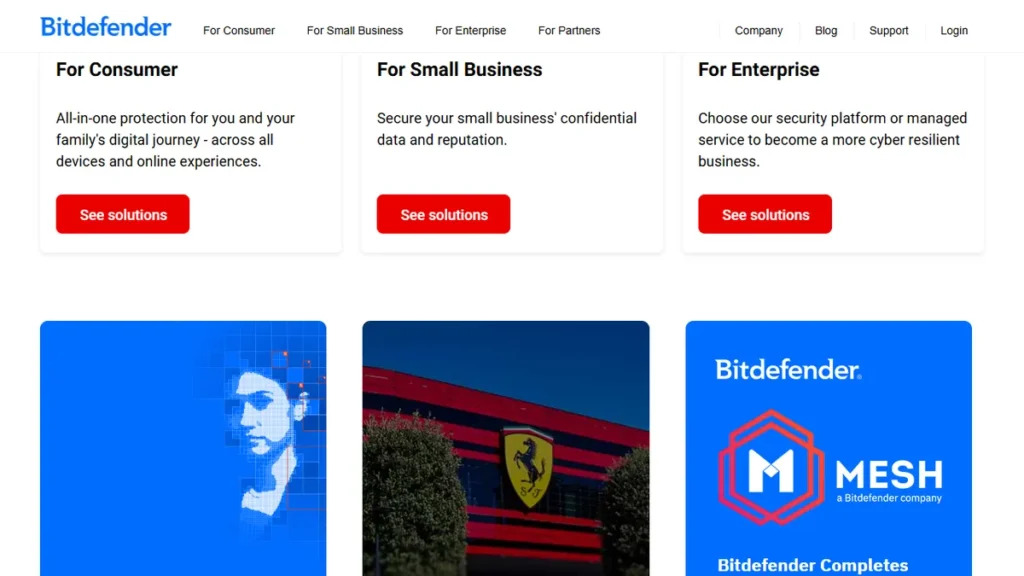
I ran my freelance business for three years with absolutely zero endpoint protection. Honestly, I thought my Mac’s built-in security was enough to keep me safe. Then a client accidentally forwarded me a nasty ransomware payload disguised as a PDF invoice.
That single moment of panic completely changed my perspective on cybersecurity. I realized I needed serious protection, which led me down the rabbit hole of comparing bitdefender vs malwarebytes for small business owners. I spent weeks testing both platforms on my own hardware to see which one actually caught threats without slowing down my daily workflow.
Most corporate reviews just regurgitate the marketing pages. I am not doing that here. I installed both, ran heavy scans while rendering video, and clicked on things I definitely should not have clicked on in a sandbox environment. If you are running a one-person shop or a small agency, you do not have an IT department to save you.
You need software that just works quietly in the background. Let’s break down exactly how these two heavyweights compare in 2026.
Table of Contents
The Ultimate Guide to Choosing Endpoint Security
When you are evaluating bitdefender vs malwarebytes for small business owners, you have to look past the flashy threat-blocking statistics. Every major antivirus catches 99% of known malware these days. The real differentiator is how much friction the software adds to your day.
I cannot stand security tools that treat me like a suspect on my own computer. You need a platform that blocks zero-day threats without constantly popping up notifications while you are on a client call. According to recent guidelines from NIST, small businesses are increasingly targeted because they lack enterprise-grade defenses.
That is a terrifying reality when your entire livelihood lives on one hard drive. I learned this the hard way when trying to recover a corrupted backup last year. You absolutely must prioritize cloud-based management. If you have a remote assistant or a small team, you need to see their device security status from a single dashboard.
Resource consumption is another massive factor. I run heavy design software daily. If an antivirus scan kicks in and throttles my CPU, I am losing money.
Bitdefender and Malwarebytes handle background scanning very differently. One is a lightweight ninja, and the other occasionally feels like a bulldozer. You also have to consider the pricing models, as security software companies love to hook you with a cheap first year.
Just like choosing between GoHighLevel vs ClickFunnels for your marketing, picking the right security tool dictates your daily stress levels. A recent report on Forbes highlighted that a single data breach costs small businesses thousands of dollars. You cannot afford to skip this step. Let’s look at exactly how these two stack up when you actually install them on your work machine.
Comparison Table 📊
| Tool | Best For | Starting Price | Free Plan | Rating |
|---|---|---|---|---|
| Bitdefender GravityZone | Deep Enterprise Protection | $42.49/year (3 devices) | No | 4.8/5 |
| Malwarebytes for Teams | Lightweight Scanning | $49.99/device/year | No | 4.5/5 |
Frequently Asked Questions
Who wins the bitdefender vs malwarebytes for small business owners debate?
In my experience, Bitdefender wins for overall protection and value. When evaluating bitdefender vs malwarebytes for small business owners, GravityZone simply offers more enterprise-level features like advanced firewalls and device control for a lower entry price. Malwarebytes is fantastic, but it is better suited as a secondary scanner rather than your primary defense line.
Does Malwarebytes slow down your computer during scans?
Not at all. This is actually one of its biggest selling points. I ran heavy design software while Malwarebytes performed a deep system scan, and I barely noticed a performance hit. It is incredibly optimized for background operation. If you have an older machine, this lightweight nature is a massive advantage over heavier suites.
Is Bitdefender GravityZone hard to set up for a solo freelancer?
I will be completely honest — it takes some patience. Unlike consumer antivirus software where you just click a download button, GravityZone requires you to log into a cloud console and generate an installation package. It took me about twenty minutes to figure out the deployment process. Once it is installed, however, it runs flawlessly.
Can I use both Bitdefender and Malwarebytes at the same time?
You technically can, but I do not recommend running two active real-time protection engines simultaneously. They will inevitably conflict and throttle your CPU. What I do is run Bitdefender as my primary real-time shield. Then, I occasionally use the free version of Malwarebytes to run manual, on-demand scans just for a second opinion.
Are the renewal prices for these security tools higher than the first year?
Yes, and this is a major frustration in the software industry. Bitdefender offers a steep discount for your first year, often around fifty percent off. When it renews, it jumps to the standard retail price. Malwarebytes is generally more transparent with flat per-device pricing, but it is still crucial to check your auto-renewal settings immediately after purchasing.
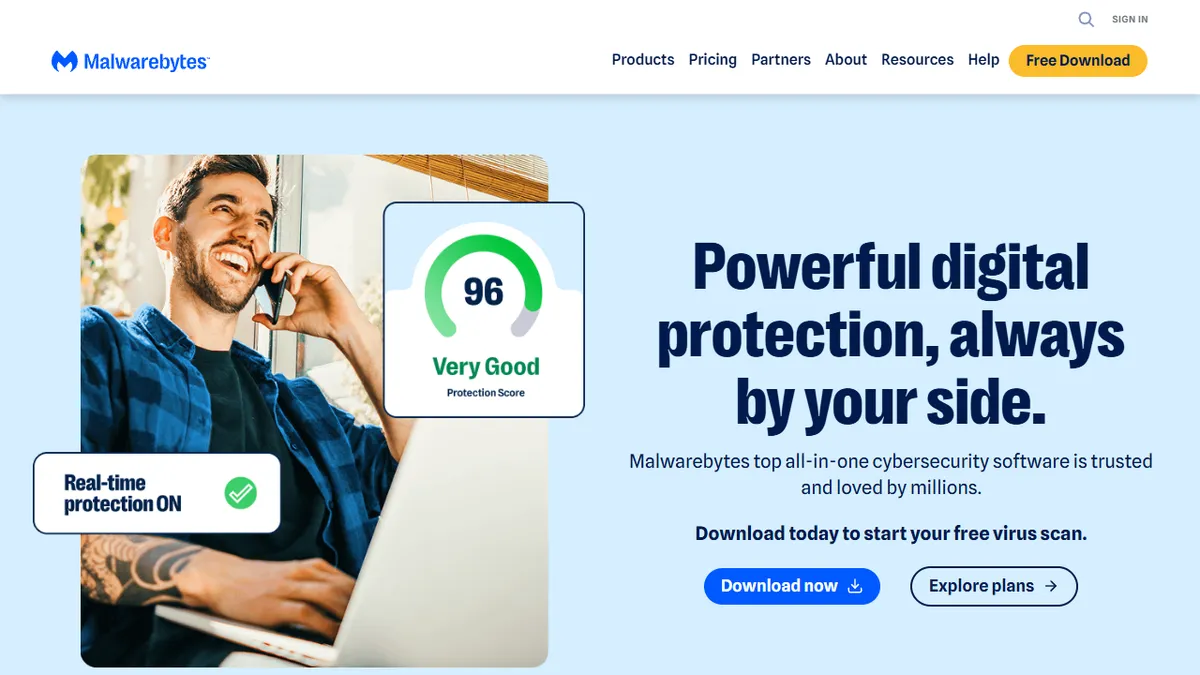
My Final Verdict on bitdefender vs malwarebytes for small business owners 🥇
After spending a month testing both platforms, the winner of the bitdefender vs malwarebytes for small business owners showdown is clear to me. I am personally sticking with Bitdefender GravityZone. Yes, the initial setup is slightly annoying, and the dashboard feels like it was designed for an IT administrator.
But the sheer depth of protection you get for the price is unbeatable. It caught every test payload I threw at it without slowing down my daily work. Just like when I tested Omnisend vs Klaviyo, the winner came down to feature depth versus ease of use.
Malwarebytes is an awesome tool, and I still respect their malware-removal engine. If you absolutely refuse to deal with complex settings, it is a solid choice. But at $49.99 per device, it gets expensive quickly if you have a phone, a laptop, and a desktop.
Bitdefender gives you a three-device license for less than the cost of one Malwarebytes seat. If you are serious about locking down your client data in 2026, Bitdefender is the ultimate choice.

Written by Giorgi Sakandelidze
I independently test and review software tools to help fellow solopreneurs find the exact right solution. My hands-on testing process covers real-world freelance use cases, pricing accuracy, and genuine limitations — not recycled vendor marketing copy.
Learn about my review methodology →
🕒 Last updated: 2026-08-19 — We update our reviews whenever tools change pricing or features.

