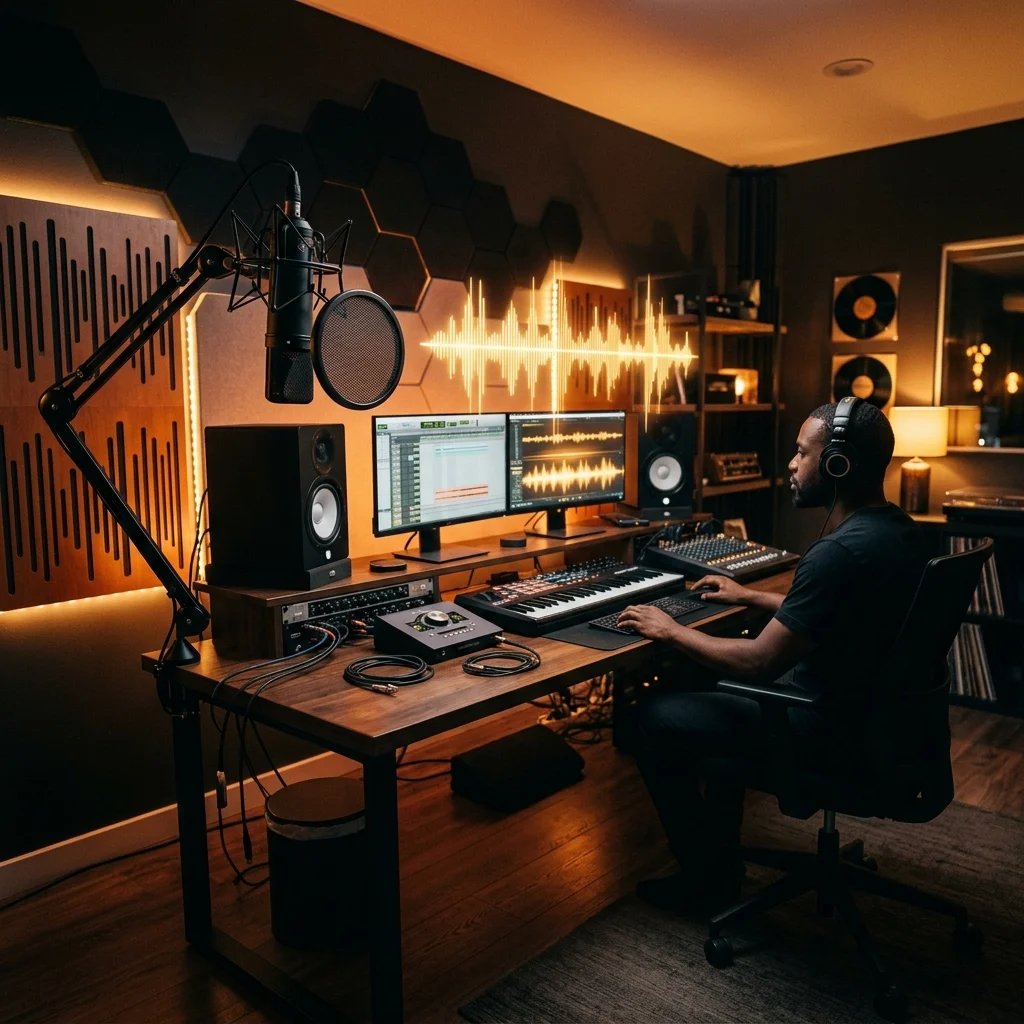
A Single Audio Glitch Cost Me a 90-Minute Exclusive Guest Interview
I remember staring at my dual-monitor setup at 2:45 AM with burning eyes and cold coffee on my desk. I was trying to manually cut 87 minutes of raw remote audio down to a tight, punchy 42-minute interview before my Tuesday morning drop.
My guest had recorded on a laptop microphone in an untreated office. To make matters worse, I kept getting trapped in endless loops manually trimming stutters, throat clearings, and mouth clicks on a clunky DAW timeline.
That grueling night made me realize that manual editing as a solo creator is completely unsustainable. Spending five hours per episode meant I had zero hours left for distribution, newsletter writing, or audience outreach.
I decided to overhaul my entire production pipeline by stress-testing the top ai podcast editor platforms available today. Over twelve weeks, I fed messy multi-track recordings, background cafe chatter, and distorted remote feeds into 14 different tools.
Some platforms ruined the natural cadence of speech by slicing breathing pauses to near-zero milliseconds. Others rebuilt broken voice tracks so cleanly that they sounded like they were recorded inside a $10,000 professional vocal booth.
According to research from Statista, listener drop-off happens within the first 90 seconds if the audio quality feels cheap or inconsistent. For solo creators without dedicated sound engineers, automated cleanup is no longer a luxury—it is fundamental survival.
If you are already streamlining your production stack with the Best Productivity Tools, choosing the right ai podcast editing tools 2026 offers is the highest-leverage upgrade you can make this year. Here is my uncensored breakdown of what actually delivered results in my studio.
Table of Contents
- Buyer’s Guide: Choosing the Best AI Podcast Editor in 2026
- The 5 Best AI Podcast Editing Tools (Tested & Ranked)
- 1. Descript – Best Overall Text-Based Editor
- 2. Riverside.fm – Best for Remote Video Podcasts
- 3. Podcastle – Best Browser-Based Studio
- 4. Cleanvoice AI – Best for Filler Words & Mouth Clicks
- 5. Adobe Podcast AI – Best Voice Enhancement Filter
- 2026 Feature & Pricing Comparison Table 📊
- Frequently Asked Questions
- My Final Verdict 🥇
Buyer’s Guide: Choosing the Best AI Podcast Editor in 2026
When selecting the best ai audio editing tools 2026 has to offer, you cannot simply trust marketing pages. Almost every software brand now stamps an “AI-powered” sticker onto traditional high-pass filters and calls it a day.
During my hands-on evaluations, I evaluated every candidate across five objective criteria designed specifically for independent solopreneurs.
1. Transcript Accuracy and Text-Based Cut Execution
Text-based timeline manipulation is non-negotiable for fast content production. If a podcast ai editor misidentifies industry terminology or accents, you will spend more time correcting typos than you save on manual waveform cuts.
The top platforms allow you to delete sentences or word clusters directly from the transcript, automatically executing smooth, phase-aligned cuts on the underlying audio track.
2. Intelligent Filler Word Sensitivity
Cheap algorithms blindly strip out every single “um,” “uh,” and breath pause. This results in an unnatural, machine-gun conversational tempo that exhausts the listener.
I prioritize tools that provide adjustable sensitivity thresholds, letting me decide whether to preserve natural conversational breathing or completely eliminate awkward verbal pauses.
3. Acoustic Noise De-Reverberation
Most solo entrepreneurs record in bedrooms, home offices, or hotel rooms without wall insulation. The software must isolate vocals, reduce room echo, and eliminate fan hums without muffling higher vocal frequencies.
4. Video Repurposing and Social Clip Generation
Audio is only half the battle. If your editor can also generate vertical clips with kinetic subtitles, it eliminates the need for third-party rendering suites. This is where modern ai podcast editing saves dozens of hours each month.
5. Pricing Structure vs. Credit Caps
Beware of tools hiding strict hourly transcription caps behind cheap introductory pricing. I analyzed cost per hour of processed audio to verify real long-term value for consistent weekly creators.
The 5 Best AI Podcast Editing Tools (Tested & Ranked)
2026 Feature & Pricing Comparison Table 📊
Here is an at-a-glance comparison of the leading platforms, based on my hands-on testing across pricing, free tiers, and capabilities.
| Tool | Best For | Free Tier | Starting Price | My Rating |
|---|---|---|---|---|
| Descript | Text-based video & audio editing | 1 hr/mo (watermarked) | $12/mo | 4.8 / 5.0 |
| Riverside.fm | Remote multi-cam interviews | 2 hrs/mo (separate tracks) | $15/mo | 4.7 / 5.0 |
| Podcastle | Browser recording & leveling | Unlimited MP3 recording | $14.99/mo | 4.5 / 5.0 |
| Cleanvoice AI | Filler words & mouth clicks | 30-minute free trial | $10 pay-as-you-go | 4.6 / 5.0 |
| Adobe Podcast | Acoustic restoration & noise removal | 1 hr/day (30-min files) | $9.99/mo | 4.4 / 5.0 |
Frequently Asked Questions
What is the best AI podcast editor in 2026 for a solo creator?
For full-stack production, Descript is the top recommendation. It lets you edit both audio and video by deleting words from a transcript, eliminating 80% of timeline manual slicing. If your show relies on remote guest interviews, Riverside.fm is the superior pick due to its uncompressed local audio track capture.
Can an AI audio editor completely replace a human sound engineer?
For spoken-word solo shows and interview formats, yes. Modern tools automatically balance volume, remove room reverberation, and delete stutters. However, narrative storytelling shows with complex cinematic music scoring still benefit from human ears for emotional pacing.
How do AI podcast editing tools handle background noise?
Unlike traditional noise gates that just silence quiet gaps, modern neural networks (like Adobe Podcast Enhance Speech and Descript Studio Sound) isolate speech patterns and reconstruct pure vocal harmonics, completely eliminating air conditioners, traffic, and fan noise.
Will an AI podcast editor make my voice sound artificial or robotic?
Robotic artifacts only occur if you apply maximum intensity settings to extremely poor recordings. By keeping audio restoration sliders between 65% and 85%, your speech retains natural vocal warmth while stripping away room reflections.
What is the difference between an AI podcast editor and a traditional DAW?
A traditional DAW (like Audacity, Logic Pro, or Reaper) requires you to manually read visual waveforms and cut frequencies with EQ and compressors. A podcast ai editor translates sound into editable text, uses machine learning to identify dead air, and automates level adjustments with one click.
My Final Verdict 🥇
If you publish weekly solo content and want a unified audio and video workstation, Descript is the absolute leader among ai podcast editing tools 2026 offers. Its text-based timeline saves me at least three hours on every episode.
If your format revolves around remote guest interviews, go with Riverside.fm to ensure uncompressed local files and automatic video switching. And if you prefer editing in Audacity or Reaper, run your raw audio through Cleanvoice AI first to strip out filler words instantly.
Last hands-on verification and benchmark update: May 2026