Cleaning up a compressed 480p clip can take significant effort, and standard sharpening filters often leave a plastic look with harsh halos. That common challenge is the reason for this comparison of modern resolution scalers to find the absolute best ai video enhancer currently on the market.
Viewers now expect high-resolution video. If you have pixelated phone recordings or archival footage, AI upscaling is no longer science fiction. It reconstructs missing edge data, reduces sensor grain, and restores facial details that traditional interpolation destroys.
This comparison draws on official documentation, pricing pages and user reports, and looks at hardware requirements, artifact handling, pricing transparency and output realism.
⚡ Quick Verdict: Overview at a Glance
Top Video Upscalers for 2026
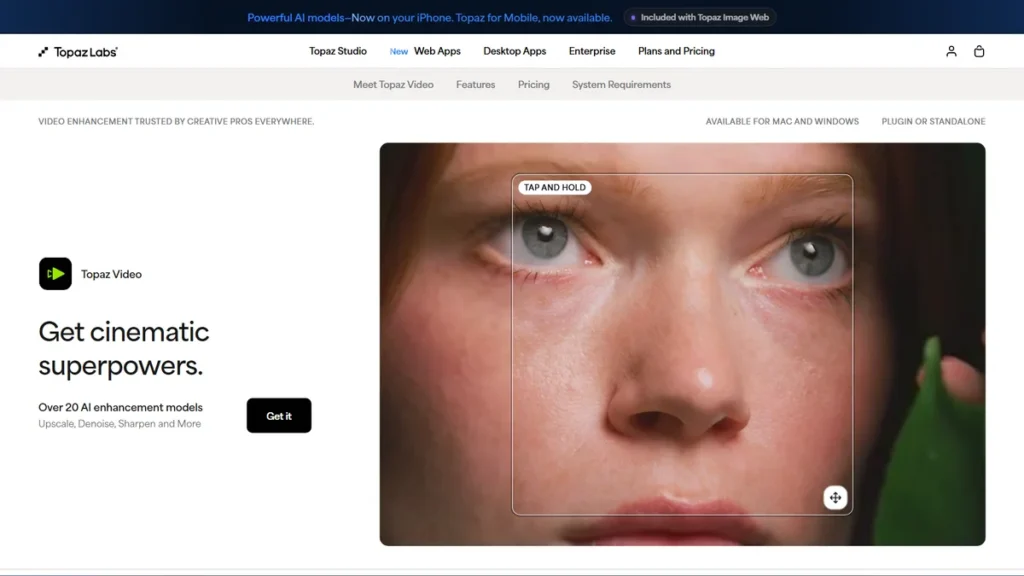
Topaz Video
Professional editors and creators needing uncompromising local desktop rendering quality.
💰 Subscription
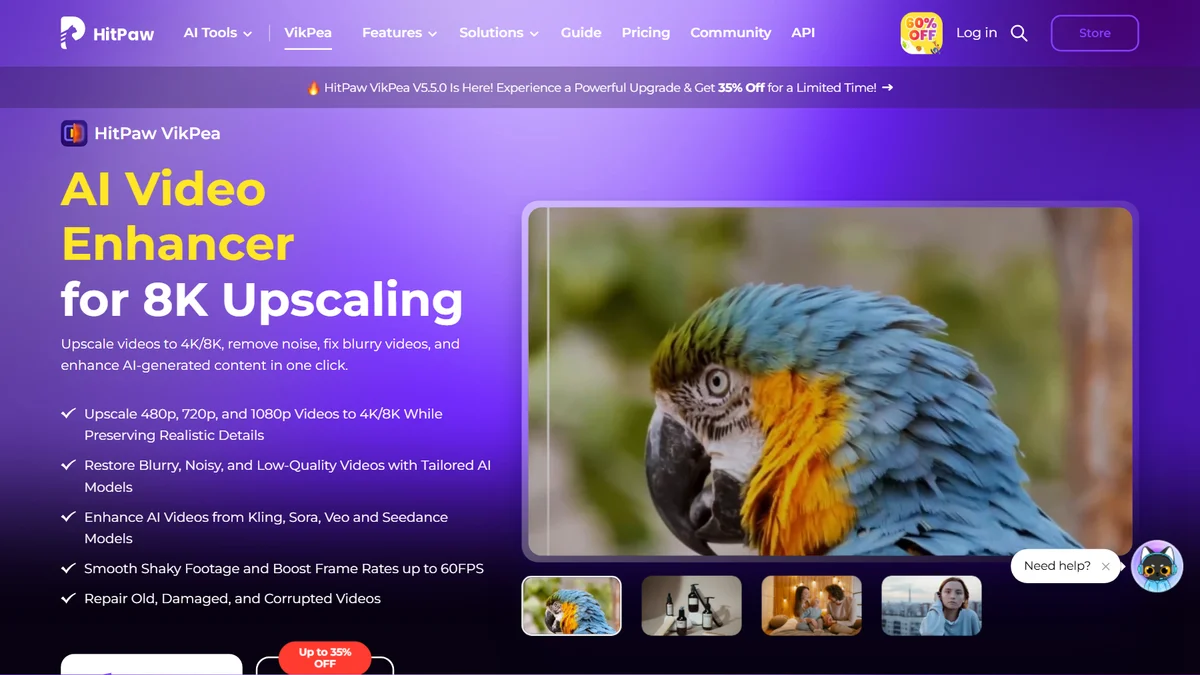
HitPaw VikPea
Quick single-click enhancements and portrait face restoration on desktop.
💰 $42.99/mo
AVCLabs Video Enhancer AI
Restoring vintage video tapes, anime clips, and low-res interlaced recordings.
💰 $39.95/mo
Table of Contents
1. Topaz Video
Best Overall Quality
Using Topaz Video with the Proteus model reconstructs compressed 720p footage into clean, high-definition outputs with sharp foliage and architectural edges. It is a premier choice for dedicated workstations when maximum visual fidelity matters most.
- Unrivaled detail reconstruction with specialized AI models
- Regular model updates included with the subscription
- Deep controls for de-interlacing, motion deblur, and frame interpolation
- Subscription-only since perpetual licenses ended
- Extremely slow export times on modest graphics cards
2. HitPaw VikPea
Best for Beginners
HitPaw can process blurry footage with poor lighting using its dedicated Face Model toggle. The tool is designed to recover facial clarity without creating an overly artificial look. While not as granular as Topaz, the streamlined interface minimizes overall setup time.
- Incredibly clean and beginner-friendly UI
- Dedicated face enhancement model produces natural expressions
- Reliable batch video processing
- Monthly plan is disproportionately expensive
- Limited manual tweaking parameters for power users
3. AVCLabs Video Enhancer AI
Best for Archival & VHS Footage
AVCLabs handles interlacing lines, tape noise, and color bleeding effectively during analog video digitizing and upscaling. Its dedicated noise reduction algorithms smooth out vintage tape artifacts cleanly without introducing plastic textures.
- Exceptional de-interlacing algorithms for analog video
- Specialized anime enhancement neural network
- Built-in colorizer for black and white recordings
- Occasional stability issues during multi-hour render jobs
- UI looks somewhat dated compared to modern web tools
4. CapCut
Best Mobile AI Enhancer
CapCut can handle dim, noisy mobile footage shot at indoor events directly on a smartphone. The built-in AI video quality enhancer works to scrub sensor noise and sharpen facial contours. It is easily one of the top recommendations for Android and iPhone users producing vertical shorts.
- Fast rendering on mobile hardware
- Integrated directly with a full-featured video editing timeline
- Affordable entry-level subscription price
- Compression applied on export reduces maximum achievable detail
- Requires constant cloud connectivity for AI processing features
5. TensorPix
Best Cloud-Based Upscaler
TensorPix operates directly in web browsers like Chrome, making it suitable even for lower-powered devices processing older video clips. Because the AI computations run on external servers, local hardware is not strained while the 4K upscaled file processes in the cloud. It easily ranks as a leading option for testing without installing bulky software.
- Runs entirely in your web browser with zero hardware drain
- Clean web dashboard with side-by-side split-screen comparison
- Offers affordable pay-as-you-go credit bundles
- Requires uploading large raw video files over your internet connection
- Credits expire if not used within certain billing cycles
Comparison Table: Resolution & Render Speed 📊
To help you compare the top options side by side, here is an overview of pricing, target audience, and ratings:
| Tool | Best For | Starting Price | Free Plan | Rating |
|---|---|---|---|---|
| Topaz Video | Pro Desktop Restoration | Subscription (see pricing) | Free Trial (Watermarked) | ⭐ 4.9 / 5.0 |
| HitPaw VikPea | Beginner Facial Cleanup | $42.99/month | Free Trial (Watermarked) | ⭐ 4.5 / 5.0 |
| AVCLabs Video Enhancer AI | VHS & Old Home Movies | $39.95/month | Free Trial (Watermarked) | ⭐ 4.6 / 5.0 |
| CapCut | Mobile & Social Content | $9.99/month | Generous Free Tier | ⭐ 4.7 / 5.0 |
| TensorPix | Cloud & Browser Upscaling | ~$12/month | Free Credits on Signup | ⭐ 4.4 / 5.0 |
How to Pick the Right AI Video Upscaler Without Burning Cash
Choosing the right video enhancement software comes down to hardware capabilities and your primary source material. If you run a high-end dedicated GPU, a standalone desktop program like Topaz Video gives you frame-by-frame neural model control. It stands out as the leading desktop solution for PC and Mac power users who handle heavy local rendering.
If you lack a powerful graphics card, cloud-based processors handle the heavy lifting on remote server clusters. This is ideal if you just need quick repairs without your machine sounding like a jet engine. However, cloud processing models charge per credit, which can get expensive fast on long timelines.
For legacy analog footage, look for dedicated de-interlacing and noise-reduction models. Restoring archival home video and vintage magnetic tapes requires prioritizing motion stability over aggressive edge sharpening. Over-sharpened 1990s home footage often introduces creepy synthetic skin textures if the algorithm is too aggressive.
Mobile creators on the go need fast on-device processing. Dedicated mobile upscalers for Android or iOS will sacrifice micro-detail restoration in exchange for rapid clip turnaround for social feeds. Balance your processing volume, local hardware specs, and budget before committing to a paid annual license.
Frequently Asked Questions
What is the best ai video enhancer app? ▾
For mobile creators, CapCut is the standout video editing app because it balances rapid on-device processing with reliable noise removal and AI frame-rate boosting. For desktop users who want absolute studio-grade fidelity, Topaz Video is widely regarded as a leading choice for local rendering and artifact repair.
Can an AI video enhancer restore old VHS home tapes? ▾
Yes, tools like AVCLabs Video Enhancer AI and Topaz Video specialize in analog tape restoration. They feature dedicated de-interlacing models that remove scan lines, stabilize motion jitter, and eliminate color bleeding from 1980s and 1990s magnetic tapes without introducing synthetic visual artifacts.
Does AI video upscaling actually create real 4K detail? ▾
AI video enhancers do not recover lost optical data, but they use deep neural networks trained on millions of high-res images to predict and generate plausible texture. They synthesize sharp edges, hair strands, and fabric weaves that blend naturally into the footage rather than simply stretching the pixels.
Are there any good free AI video upscalers? ▾
TensorPix provides free introductory credits to test cloud upscaling in your browser, while CapCut offers free basic mobile video enhancement tools. However, completely free and unrestricted desktop upscalers usually require technical open-source command-line setups like Real-ESRGAN, which demand significant coding familiarity.
Final Verdict & Recommendation 🏆
When selecting the ideal the platforms, balance feature depth with user interface simplicity.
If you edit professional footage on a modern workstation and need maximum clarity, Topaz Video is the strongest of these options. It is now subscription-only, so occasional users may find a cloud tool or CapCut cheaper. If you are building a broader creative workflow, pairing video upscalers with the best AI graphic design tools can completely modernize your production pipeline.
For mobile creators and quick social clips, CapCut delivers immediate results without requiring a powerhouse computer. Pick Topaz for studio archival work, AVCLabs for old family VHS tapes, and TensorPix if you want quick browser renders without frying your laptop CPU.

Written by Giorgi Sakandelidze
I research and compare software tools using official documentation, pricing pages, and verified user feedback to help solopreneurs and creators find the right fit.
🕒 Last updated: 2026-10-05 — We actively monitor tool updates, pricing changes, and feature releases.