
In real-world workflow use, a task that should have been brief required an unexpectedly extended period for completion.
Scheduling twenty LinkedIn carousels, cross-posting short clips to Instagram Reels, and queueing updates on X can quickly turn frustrating when facing clunky submenus, cryptic permission errors, and overly complex dashboards. These common workflow hurdles highlight the core differences in a head-to-head hootsuite vs buffer comparison across everyday publishing pipelines.
Solo entrepreneurs and lean teams rarely have dedicated social media departments. They need tools that stay out of the way, publish reliably without failing silent API handshakes, and charge realistic subscription fees.
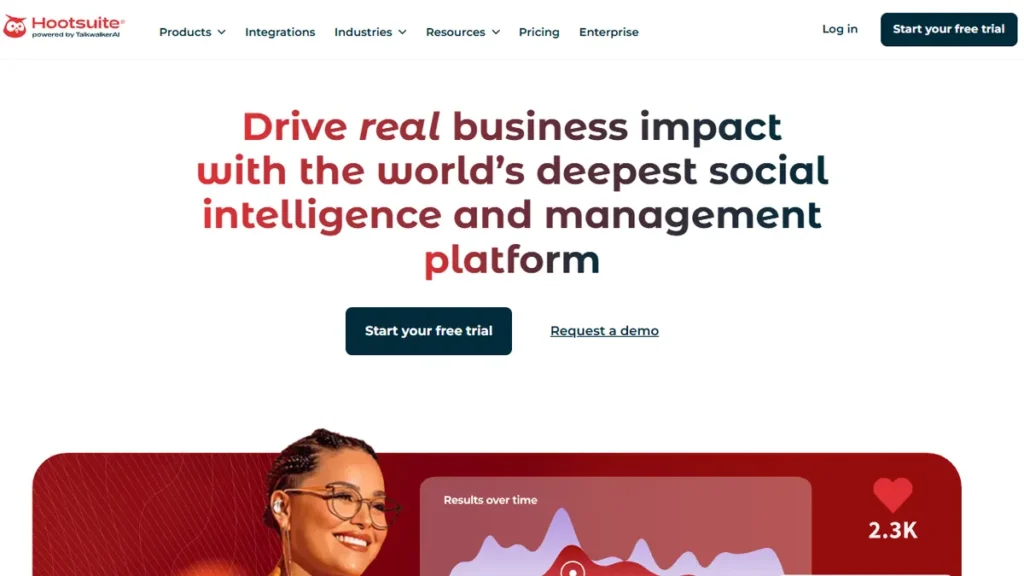
Both platforms rank among the most recognizable names in social media management. Yet their current product trajectories could not be further apart. While one platform shifted aggressively toward high-ticket corporate contracts, the other refined a modular, creator-first setup. In this guide, we break down key performance details, real pricing gotchas, and five leading contenders so you can decide between buffer vs hootsuite without wasting your budget.
Table of Contents
- Quick Summary: The Winner at a Glance
- What Actually Matters When Choosing a Social Media Scheduler in 2026
- Buffer vs Hootsuite Free: What Can You Actually Do for $0?
- Top 5 Social Media Schedulers: Compared & Ranked
- Comparison Table 📊
- Decision Guide: Should You Pick Hootsuite or Buffer?
- Searching Past the Noise: Independent Testing Reality
- Frequently Asked Questions
- Final Verdict on Hootsuite vs Buffer 🥇
Quick Summary: The Winner at a Glance
If you just want the straight answer before reading through all the testing logs, here is how the matchup lands in 2026:
Choose Buffer if you are an independent creator, freelancer, or lean team. Its interface takes five minutes to learn, the visual queue is frictionless, and its entry pricing ($6 per channel/month) makes financial sense. You also still get a functional free plan.
Choose Hootsuite only if you run a multi-member enterprise marketing team that requires multi-network social listening streams, Advanced-tier approval workflows ($399/user/month), or custom Enterprise compliance archiving. Even entry-level Standard plans require a minimum of $99/user/month on an annual commitment.
What Actually Matters When Choosing a Social Media Scheduler in 2026
Most software roundups online simply copy feature checklists straight from marketing landing pages. That approach gives you zero insight into how an app handles daily stress when a client demands an emergency asset swap ten minutes before launch.
When evaluating hootsuite vs buffer alongside their top rivals, five pragmatic criteria directly impact everyday working hours.
1. Publishing Friction and Queue Ergonomics
How many clicks does it take to draft a post, customize captions for different platforms, attach video assets, and queue the content? Every extra modal window or sluggish reload adds up to dozens of wasted hours each quarter. A good scheduler gets you in and out fast.
2. API Handshake Stability
Meta, LinkedIn, and X frequently update their graph APIs and token expiration protocols. The real test of a social scheduler is not how pretty it looks, but whether it drops posts without alerting you. Key aspects to watch include connection reliability, token refresh handling, and mobile error notifications.
3. Fair and Transparent Pricing Architecture
Software vendors love disguising their actual price tags behind rigid tier gates. Some platforms bill per channel, while others require multi-seat annual contracts just to unlock basic historical analytics. It is crucial to evaluate software based on the total cost of ownership for solo operators and growing agencies.
4. Media Preview Fidelity
Nothing ruins an afternoon faster than scheduling a polished carousel only to find text cropped or image aspect ratios distorted upon publishing. An accurate in-app preview for mobile vertical feeds and PDF carousels is non-negotiable in 2026.
5. Actionable Analytics vs. Vanity Metrics
Generating a twenty-page PDF full of raw impressions looks impressive to clueless corporate bosses, but solopreneurs need clear answers. Did this post bring website clicks? What was the actual comment rate? Tools should highlight what content moves the needle without requiring manual spreadsheet formulas.
Buffer vs Hootsuite Free: What Can You Actually Do for $0?
One of the most frequent questions solopreneurs ask is how the buffer vs hootsuite free tier landscape looks today. There is a massive operational divide here.
Hootsuite completely discontinued its permanent free plan years ago. If you want to use Hootsuite today without paying upfront, you are limited to a 14-day trial. Once that trial lapses, upgrading to a paid tier requires a commitment starting at $99/user/month billed annually.
In contrast, Buffer still maintains an accessible free plan. You can connect up to three social channels (such as LinkedIn, X, and an Instagram business account) and hold up to ten scheduled posts in each channel queue at any given time. For a founder launching a side project or testing a new content angle, Buffer’s free tier provides genuine utility without a ticking billing timer.
If your budget is zero, the buffer vs hootsuite free contest is not even a contest: Buffer wins by default.
Top 5 Social Media Schedulers: Compared & Ranked
Comparison Table 📊
| Tool | Best For | Free Tier | Starting Price (2026) | Solopreneur Rating |
|---|---|---|---|---|
| Buffer | Solo Creators & Indie Builders | ✅ Yes (3 Channels) | $6/channel/mo | 4.8 / 5 |
| Hootsuite | Enterprise & Big Agencies | ❌ No (Trial Only) | $99/user/mo (annual) | 3.6 / 5 |
| Metricool | Multi-Brand Analytics | ✅ Yes (1 Brand) | $16/mo (annual) | 4.7 / 5 |
| SocialBee | Evergreen Content Recycling | ❌ No (14d Trial) | $24/mo (annual) | 4.4 / 5 |
| Later | Visual Feeds (IG & TikTok) | ⚠️ Restricted | $18.75/mo (annual) | 4.2 / 5 |
Decision Guide: Should You Pick Hootsuite or Buffer?
When deciding between hootsuite or buffer, the right choice boils down to team size and operational complexity rather than a raw feature checklist.
If you are choosing buffer or hootsuite for personal branding, freelancing, or small business marketing, Buffer is almost certainly the correct pick. You avoid paying for complex enterprise plumbing you will never touch. Buffer allows you to connect two or three essential networks, set up a recurring queue in minutes, and spend your actual working hours creating compelling content instead of managing tool settings.
On the flip side, consider Hootsuite if you work within a regulated industry or manage a corporate team of five or more social media managers. In those corporate environments, Hootsuite’s Enterprise compliance archiving, Advanced-tier approval workflows ($399/user/month), and multi-channel keyword listening tools provide genuine risk protection for organizations equipped for higher-tier or custom Enterprise invoices.
Searching Past the Noise: Independent Testing Reality
Savvy researchers often use precise search queries like "hootsuite" -site:reddit.com -site:twitter.com -site:x.com -site:wykop.pl -site:tripadvisor.com -site:youtube.com -site:yelp.com -site:booking.com -site:facebook.com -site:instagram.com -site:tiktok.com when vetting software tools. Why? Because search engines have become saturated with sponsored threads, user complaints on social media, and shallow affiliate portals that repeat brand press releases.
When you strip out the forum chatter and test these tools with actual client publishing demands, the technical reality emerges quickly. Hootsuite is an enterprise communications platform masquerading as a simple scheduler. Buffer is a focused, high-speed publishing engine designed to keep administrative overhead as close to zero as possible.
Frequently Asked Questions
Who wins the overall hootsuite vs buffer showdown in 2026?
For independent creators, solo operators, and small businesses, Buffer wins decisively. It offers an intuitive interface, straightforward per-channel pricing at $6/month, and an accessible free tier. Hootsuite only wins for large corporate marketing departments that need deep multi-network social listening, unified customer support inboxes, and compliance workflows.
What is the difference between buffer vs hootsuite free plans?
Buffer offers a permanent free tier that supports 3 social channels and up to 10 scheduled posts per channel at any time. Hootsuite has eliminated its permanent free plan entirely. Hootsuite only offers a 14-day trial, with paid plans starting at $99/user/month billed annually.
Should I pick hootsuite or buffer for LinkedIn and carousel publishing?
Buffer is significantly smoother for LinkedIn text posts, image galleries, and PDF carousels. Its live composer accurately displays how line breaks and formatting will appear in user feeds. Hootsuite handles LinkedIn publishing reliably, but its modal interface is slower and requires extra clicks to configure document attachments.
Is Buffer’s per-channel pricing cheaper than Hootsuite for agencies?
It depends on your profile count. If you manage 3 to 10 channels, Buffer ($18 to $60/month) is vastly cheaper than Hootsuite’s $99/month baseline. However, if an agency manages 30 or more social profiles across multiple client accounts, Buffer’s per-channel billing adds up, making dedicated multi-brand platforms like Metricool or Hootsuite’s higher tiers more cost-effective on a per-profile basis.
Can I switch between buffer or hootsuite without losing my scheduled content?
Neither tool offers an automated direct migration pipeline. If you decide to switch from one platform to another, you must export your scheduled posts via CSV, verify media file links, and re-import or re-queue them in the new platform’s visual calendar.
Final Verdict on Hootsuite vs Buffer 🥇
Overall, Buffer remains our clear recommendation for individual creators, freelancers, and small business founders. It respects your time, maintains a distraction-free interface, and charges an honest $6 per channel instead of locking you into an enterprise-scale commitment.
Hootsuite built an impressive suite of listening tools and approval matrices, but its $99/user/month barrier simply alienates solo founders. Unless your company requires deep corporate governance or enterprise listening streams, choose Buffer and reinvest your remaining software budget back into high-quality content production.

Written by Giorgi Sakandelidze
I research and compare software tools using official documentation, pricing pages, and verified user feedback to help solopreneurs and creators find the right fit.
How we research and compare tools →
🕒 Last updated: 2026-07-06 — Reviewed and updated for 2026 pricing structures, API capabilities, and free plan limitations.
Beyond standalone schedulers, you can also learn how to automate social media posts with Make and ChatGPT for end-to-end publishing pipelines.

