
I Always Wanted to Make Movies.
But I had a problem: I didn’t have a camera, actors, or a budget. I just had ideas. That’s why the recent explosion of the Best AI Video Generators is so exciting to me. First, AI learned to write, then to draw, and now, it’s finally learning to direct.
I spent the last month testing every major tool to see if they can actually replace a film crew. From blurry clips to cinematic masterpieces, here is my guide to the Best AI Video Generators that are changing the industry.
Disclosure: This post contains affiliate links. If you use these links to buy something, we may earn a commission.
What Are AI Video Generators?
AI video generators are platforms that use complex text-to-video models to create or edit videos from text prompts.
This technology is an evolution of the models used in AI image generators. Instead of creating a single static picture, these models generate a sequence of images (frames) that are consistent with each other, creating motion, character, and a sense of a living scene.
The race for the Best AI Video Generators is incredibly tight, with new updates dropping almost every month. Here are the 5 platforms you need to know about right now.
A Closer Look at the 5 Best AI Video Generators
1. OpenAI (Sora)

Sora is the tool from OpenAI (the creators of ChatGPT) that shocked the world. I managed to get access to test it, and the demo videos don’t lie—the quality is miles ahead of everyone else.
It can generate complex, multi-shot scenes up to 60 seconds long, all while maintaining character consistency and understanding physics. It understands prompts like “a stylish woman walks down a rainy Tokyo street,” capturing the reflections in puddles and the neon lights perfectly.
Status: Currently in limited testing. It’s the “final boss” that every other tool on our list of Best AI Video Generators is trying to beat.
2. Pika

Pika (formerly Pika Labs) is one of the most popular and accessible tools available right now. It started as a Discord bot and has grown into a powerful web platform.
Pika is fantastic for artistic and surreal clips. It’s great at “animating” existing images (making a painting move) or creating short, dream-like video clips from text. Its “Lip Sync” feature is also impressive for making characters talk.
3. Runway (Gen-2)
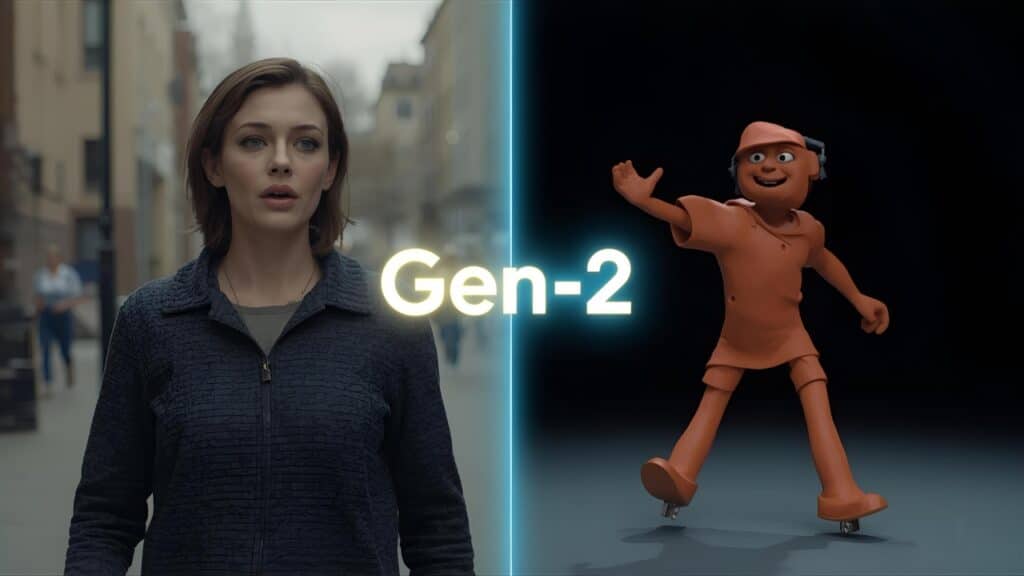
Runway is more than just a video generator; it’s a full-fledged, AI-powered video editing suite in your browser. Its text-to-video model (Gen-2) is a direct competitor to Pika.
Where Runway truly shines is its “video-to-video” tools. You can upload a video of yourself walking and prompt it to “turn me into a claymation character,” and it will apply the style while matching your movement. It’s a favorite for artists and filmmakers.
4. Veed.io

Veed is not a text-to-video generator in the same way as the others. Instead, it’s an AI-powered video editor for creating professional content (like social media videos).
Its AI features are practical: it can automatically generate subtitles for your video, remove background noise with one click, and even create an “AI avatar” of you to read your script. It’s one of the Best AI Video Generators for marketers who need to edit existing footage fast.
5. InVideo AI
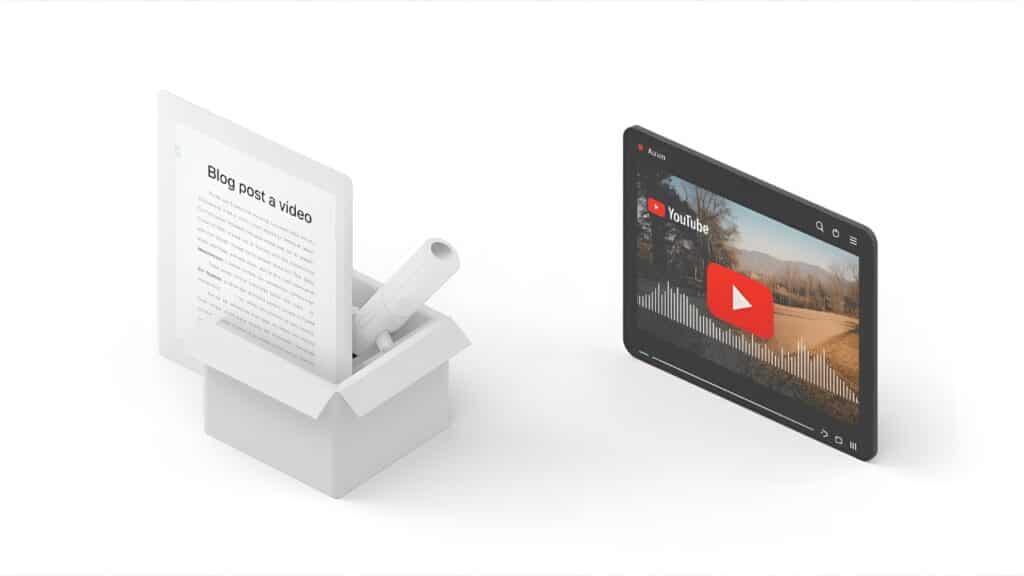
InVideo AI is built for one specific purpose: turning your existing content (like a blog post or a simple idea) into a fully finished “explainer” video, complete with a script, stock footage, and an AI voiceover.
You can give it your Asana vs Trello blog post, and it will analyze the text. It acts like one of the best AI writing assistants by writing a script, finding relevant stock videos, and generating a voice to create a YouTube-ready video in minutes.
My Honest Verdict 🥇
Which tool is the future of video?
OpenAI Sora is the undeniable king of quality, but it’s hard to access.
If you want to start creating today, InVideo AI is the most practical tool for turning your ideas into YouTube videos instantly.
Best AI Video Generators: Top Text-to-Video Tools (2025)

A complete review of the best AI video generators like Synthesia, HeyGen, and InVideo. We compare features, pricing, and avatar quality to help you create professional videos from text.
Price Currency: USD
Operating System: Web, Windows, macOS
Application Category: MultimediaApplication
4.8
Good roundup — breaking it down by use case is more useful than most comparisons that just rank by output quality. One gap I’ve noticed in lists like this is tools built specifically for product-first workflows rather than creative experimentation. I’ve been routing e-commerce campaigns through TrendVis, which layers prompt templating and batch management on top of the generation layer. Makes a real difference when you’re producing at scale across dozens of SKUs.
Hi,
I came across your website and found your content highly relevant to our niche.
I’d love to explore a collaboration opportunity regarding featuring Predis.ai within relevant articles/resources on your platform.
Please let me know if we can discuss this further.
Thanks,