

Managing high-volume inboxes across multiple workspaces often leads to significant triage overhead. Sorting client tickets, vendor inquiries, system alerts, and subscriptions manually can easily consume hours of productive time each week.
Many professionals reach a breaking point with standard email tools. Rather than another spell-checker or a generic chatbot requiring endless copy-pasting of email threads, modern workflows demand real automation: an engine capable of reading conversation history, filtering junk, and generating accurate context-aware responses in a user’s natural voice.
To find the best ai email assistants available in 2026, we evaluated leading tools across modern email workflows. Below are five top platforms categorized by their distinct strengths, pricing realities, and trade-offs.
Disclosure: This post contains affiliate links. If you use these links to buy something, we may earn a commission at no additional cost to you. We only recommend software evaluated through rigorous research and user feedback.
Table of Contents
- 2026 Comparison: Best AI Email Assistants at a Glance
- What Is an AI Email Assistant (and How Has It Changed for 2026)?
- In-Depth Reviews of the Top 5 Tools
- 1. Superhuman — Best AI Email Writer for High-Volume Executives
- 2. Shortwave — Best AI Writing Assistant for Email & Inbox Zero Purists
- 3. SaneBox — Best AI Email Assistance for Noise Reduction
- 4. Mailbutler — Best AI for Writing Emails Inside Apple Mail & Outlook
- 5. Native AI (Gemini for Workspace & Microsoft Copilot) — Best Enterprise Integration
- Buyer’s Guide: How to Choose the Best AI for Writing Emails
- 1. Generative Drafting vs. Inbound Triage
- 2. Client Replacement vs. Native Extension
- 3. Data Privacy and Training Policies
- Frequently Asked Questions
- What is the best AI email writer for professional business communication?
- How does AI email assistance protect sensitive inbox data?
- Can an AI writing assistant for email draft replies in my own tone of voice?
- Which is the best AI for writing emails between Superhuman and Shortwave?
- Do I need a third-party tool if I already pay for Gemini or Copilot?
- Our Verdict 🥇
2026 Comparison: Best AI Email Assistants at a Glance
| Tool | Best For | Free Tier | Starting Price (2026) | Rating |
|---|---|---|---|---|
| Superhuman | Speed & Executive Command | No (14-day trial) | $25/user/month (annual) | 4.8 / 5.0 |
| Shortwave | Search & AI Drafting | Yes (core features) | From $30/seat/month (Business) | 4.7 / 5.0 |
| SaneBox | Background Triage & Filtering | No (14-day trial) | $7/month (Snack plan) | 4.6 / 5.0 |
| Mailbutler | Apple Mail & In-Client Extension | Yes (14-day trial + Free basic) | Free; Smart $11/user/mo (annual) | 4.4 / 5.0 |
| Native AI (Gemini/Copilot) | Zero-Setup Corporate Workspaces | Requires base tier | Gemini included; Copilot $30/user/mo | 4.2 / 5.0 |
What Is an AI Email Assistant (and How Has It Changed for 2026)?
In earlier years, email intelligence mostly meant basic rule-based filtering or automated follow-up reminders. If you wanted generative text, you relied on separate AI writing assistants where you manually typed a prompt, copied the output, and adjusted the formatting inside your mail client.
Today, modern ai email assistance operates as a deeply embedded layer inside your communication pipeline. Using advanced language models and local vector indexing, these tools understand the entire context of your conversational threads, calendar availability, and previous writing patterns.
A high-performing ai writing assistant for email in 2026 executes four core jobs:
- Multi-Thread Synthesis: Condenses long-running email chains and attachments into actionable bullet points in seconds.
- Voice and Tone Matching: Drafts complete responses that mimic your authentic cadence rather than robotic, generic corporate jargon.
- Predictive Sorting: Separates transactional noise and cold pitches from critical human interactions before your notification chime goes off.
- Automated Execution: Coordinates with AI meeting assistants and calendar APIs to schedule appointments without back-and-forth friction.
In-Depth Reviews of the Top 5 Tools
1. Superhuman — Best AI Email Writer for High-Volume Executives

Best for: Founders, operators, and professionals handling 80+ critical messages per day who rely heavily on keyboard shortcuts.
Superhuman has evolved from a niche status-symbol email client into the most responsive best ai email writer on the desktop market. Instead of forcing you to click through multi-layered menus, Superhuman integrates its AI directly into its keyboard-driven Command Palette (Cmd+K).
How It Works in Practice: During setup, Superhuman indexes recent correspondence to understand context. Users can highlight an email negotiation thread and hit Cmd+J with a prompt such as "agree to the meeting on Thursday afternoon but push the deliverable to Monday," allowing the platform to check calendar conflicts and draft an email matching natural writing habits without extensive manual editing.
The UI friction is practically zero once you memorize the key combinations. However, if you are a mouse-dependent user who likes dragging folders around, the steep learning curve can feel disorienting at first.
Superhuman Pros & Cons
- Pro: Instant thread summaries that reliably capture project deadlines and commitments.
- Pro: Write with AI feature mirrors your personal voice better than generic web-based chatbots.
- Pro: Split Inbox functionality ensures newsletters and cold pitches never trigger alerts.
- Con: Premium pricing ($25-$33/month billed annually) with zero permanent free tier.
- Con: Replaces your entire inbox interface rather than working as a background plugin.
2026 Pricing: Starter plan runs at $25 per user per month (billed annually). The Business tier is $33 per user per month (billed annually) and includes team-wide read statuses and shared snippet templates.
2. Shortwave — Best AI Writing Assistant for Email & Inbox Zero Purists
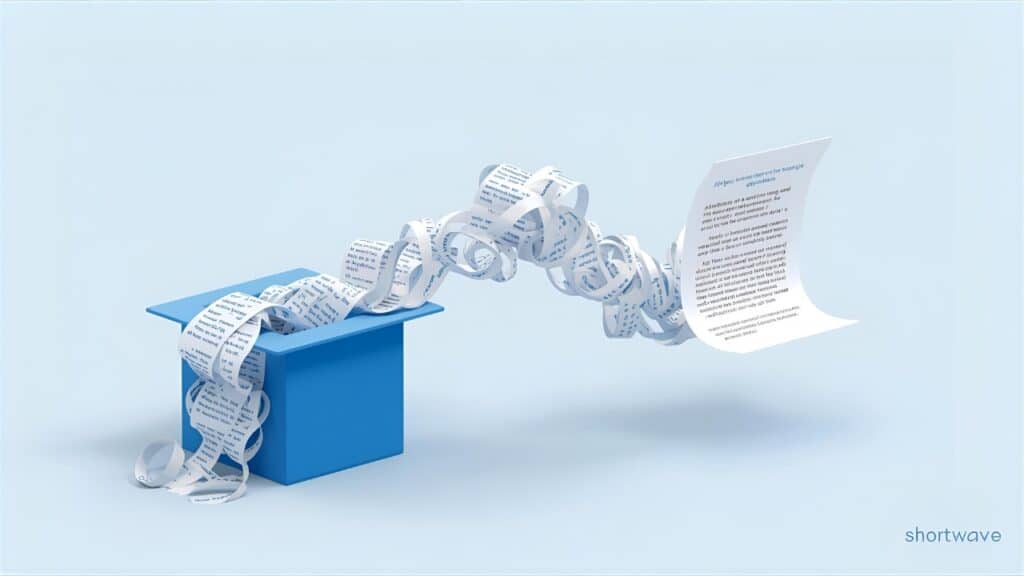
Best for: Remote teams, developers, and knowledge workers who treat their inbox like a searchable task management board.
Built by ex-Google engineers, Shortwave reimagines your inbox as a cross between a chat client and an intelligent task list. It stands out in any ai email review for its deep semantic search engine, which indexes years of past communications to answer nuanced questions about previous commitments.
How It Works in Practice: Shortwave efficiently parses long client threads regarding contract clauses and deliverables. Clicking the AI summary button condenses multiple comments into a clear punchlist with assigned names. When drafting a response, Shortwave can automatically pull in relevant details from older messages across the inbox without requiring manual search.
The onboarding process connects swiftly via Google Authentication. One notable drawback is its web-first nature; while the desktop wrapper is functional, heavy background sync can consume noticeable RAM when running alongside resource-heavy browser tabs.
Shortwave Pros & Cons
- Pro: Phenomenal semantic search that answers specific queries like "What did Alex quote for hosting last fall?"
- Pro: Automatic grouping (Bundles) treats newsletters and automated receipts like single dismissible items.
- Pro: Generous free tier for testing core AI features.
- Con: Outlook integration is still trailing its Gmail optimization.
- Con: Conversation grouping requires adjusting to a non-traditional inbox layout.
2026 Pricing: Core features remain free. Paid tiers include Business ($30 per seat per month), Premier ($45), and Max ($120) with more AI usage and search capacity; a cheaper Personal plan is available for gmail.com and .edu accounts. See official pricing.
3. SaneBox — Best AI Email Assistance for Noise Reduction
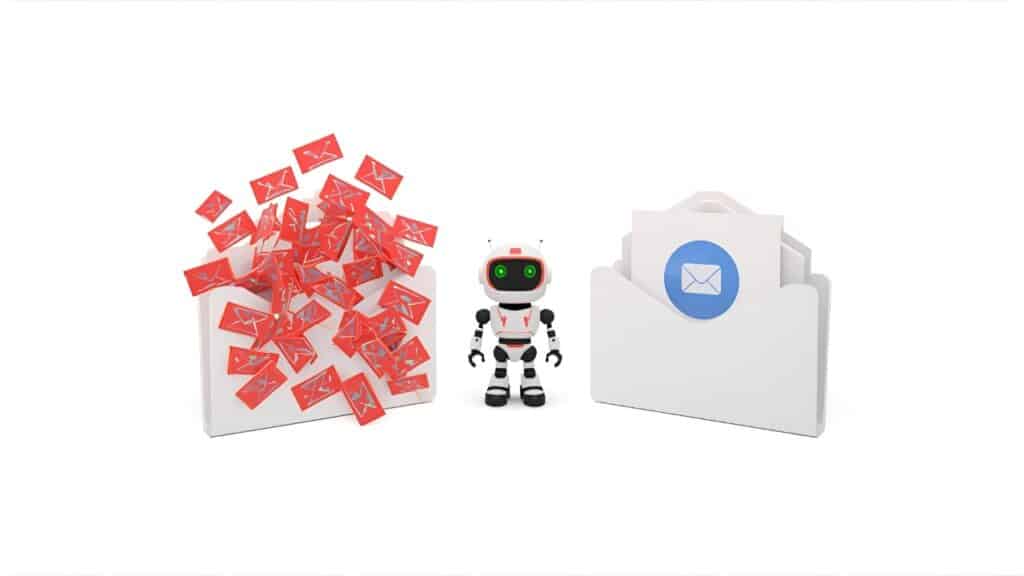
Best for: Professionals who love their existing email app and want silent, server-side triage without generative writing clutter.
SaneBox does not try to be the best ai for writing emails. Instead, it solves the opposite side of the problem: preventing useless emails from ever demanding your attention. It operates at the server level, analyzing header metadata and your personal opening behaviors to organize messages into intelligent subfolders.
How It Works in Practice: SaneBox integrates with mail accounts via standard IMAP authorization. The service automatically organizes incoming mail so important correspondence stays in the primary inbox, while non-urgent newsletters route to @SaneNews and casual CCs land in @SaneCC.
If SaneBox ever misfiles an important partner pitch into @SaneLater, users can simply drag it back into the main inbox. Its machine learning model corrects itself accordingly to avoid repeating the mistake. Its "SaneBlackHole" folder is also the cleanest way to banish aggressive sales reps without clicking questionable unsubscribe links.
SaneBox Pros & Cons
- Pro: Works invisibly with any client (Gmail, Outlook, Apple Mail, Thunderbird).
- Pro: Does not store or process email body contents for advertising models.
- Pro: Daily digest digest emails allow single-click triage of deprioritized mail.
- Con: No built-in generative text capabilities for drafting replies.
- Con: Requires granting IMAP server access to an external company.
2026 Pricing: "Snack" plan starts at $7/month ($59/year) for 1 email account and 2 smart folders. The "Lunch" tier is $12/month for 2 accounts and 6 smart folders. A 14-day fully featured free trial is available without a credit card.
4. Mailbutler — Best AI for Writing Emails Inside Apple Mail & Outlook
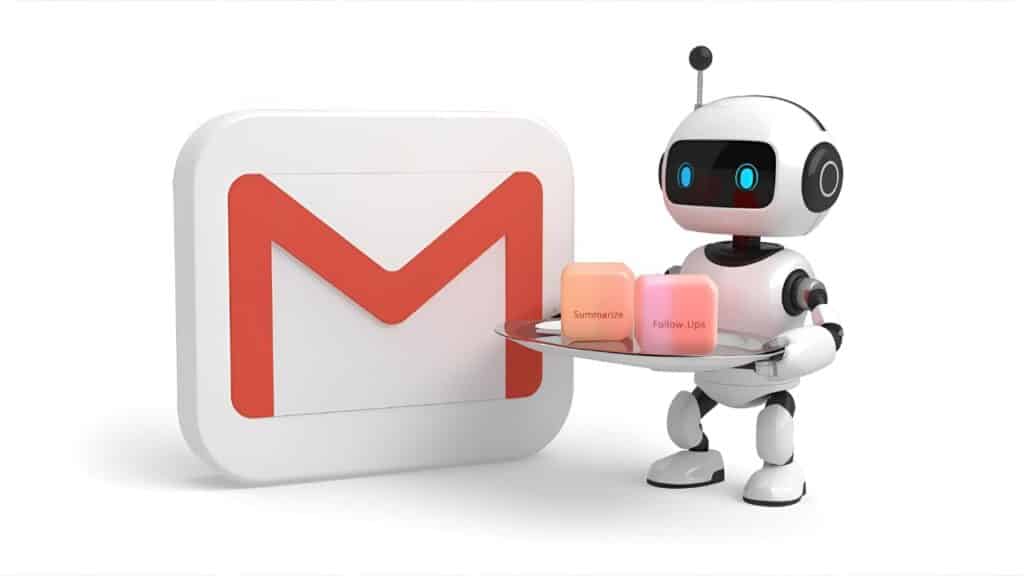
Best for: Mac users and small business service providers who need tracking, contact notes, and generative drafting inside Apple Mail.
Most modern email utilities force you into a web browser or their proprietary software. Mailbutler takes the opposite path: it acts as a native plugin for Apple Mail, Outlook, and Gmail. Its integrated "Smart Assistant" adds conversational drafting, task extraction, and recipient profiling directly inside your existing UI.
How It Works in Practice: Setting up Mailbutler inside macOS Apple Mail requires enabling an extension in Mail settings and restarting the client. The Smart Assistant sidebar evaluates incoming client inquiries, extracts open action items, and drafts responses using pre-set business tones.
Draft suggestions suit professional acknowledgments, though they can sound slightly formal out of the box. Mailbutler stands out for combining AI composition with real-time email read receipts and link-click tracking in one cohesive panel.
Mailbutler Pros & Cons
- Pro: Retains your native Apple Mail or Outlook interface completely.
- Pro: Automatically converts email content into actionable to-do lists and notes.
- Pro: Built-in professional tracking pixels and send-later scheduling.
- Con: Extension updates occasionally require re-authenticating after major macOS releases.
- Con: Smart Assistant features require higher-tier plans.
2026 Pricing: The Starter plan is free (with Mailbutler branding), with a low-cost option to remove the branding. To access the full generative Smart Assistant after the 14-day trial, the Smart plan costs about $11 per user per month billed annually ($14 monthly).
5. Native AI (Gemini for Workspace & Microsoft Copilot) — Best Enterprise Integration
Best for: Corporate employees bound by enterprise compliance who cannot authorize third-party software connections.
If your organization operates under strict IT compliance rules, connecting a startup tool like Shortwave or Superhuman might violate security guidelines. This is where native workspace intelligence steps in: Gemini inside Google Workspace and Microsoft 365 Copilot inside Outlook.
How It Works in Practice: Gemini in Gmail and Copilot in Microsoft 365 cover similar ground. Gemini shines at drafting short replies on mobile via its "Help me write" pencil icon; it quickly references attachments stored on Google Drive to draft invoice clarifications. Copilot in Outlook works exceptionally well when referencing SharePoint slide decks or internal Word documents to answer detailed project inquiries.
The friction lies in interface responsiveness. Unlike the instant keyboard shortcuts of specialized tools, both Gemini and Copilot require multi-click sidebar navigation and sometimes produce overly generic, sterile corporate drafts that require heavy human revision.
Native AI Pros & Cons
- Pro: Strict enterprise-grade data security and SOC2/HIPAA compliance built-in.
- Pro: Deep access to wider company files across Drive, OneDrive, and Word/Sheets.
- Pro: Zero software installation or browser plugin maintenance needed.
- Con: Output drafts often lack personality and feel noticeably machine-generated.
- Con: Microsoft 365 Copilot is a paid add-on on top of existing seats.
2026 Pricing: Gemini is now included in Google Workspace Business and Enterprise plans; Google discontinued the separate Gemini add-ons in January 2025. Microsoft 365 Copilot costs $30 per user per month with an annual commitment on top of an eligible M365 license.
Buyer’s Guide: How to Choose the Best AI for Writing Emails
Choosing among the best ai email assistants in 2026 depends on where your primary workflow bottlenecks occur. Here are the core evaluation criteria we recommend considering before upgrading to a paid tier:
1. Generative Drafting vs. Inbound Triage
Are you spending hours composing lengthy replies, or are you drowning in marketing spam and meeting requests? If writing consumes your day, dedicated composers like Superhuman or Shortwave will yield an immediate return on investment. If notification overload is your main stressor, choose a background filtering utility like SaneBox.
2. Client Replacement vs. Native Extension
Tools like Superhuman and Shortwave replace your email client with their proprietary software. This architecture delivers incredible speed, but you must adopt their hotkeys and layouts. If you have spent a decade organizing your Apple Mail or Outlook client with custom color-coded folders, opt for an extension like Mailbutler or native enterprise add-ons.
3. Data Privacy and Training Policies
Never connect an email tool without reviewing its security disclosure. Always verify whether the provider uses your confidential inbox communications to train foundational machine learning models. High-quality services (including all five vetted above) use isolated enterprise LLM endpoints and encrypt data both in transit and at rest.
Frequently Asked Questions
What is the best AI email writer for professional business communication?
Superhuman stands out as the best ai email writer for professionals. It learns previous writing phrasing, adjusts formality dynamically, and integrates with keyboard shortcuts so users can draft, refine, and send context-specific emails in seconds.
How does AI email assistance protect sensitive inbox data?
Reputable platforms utilize zero-data-retention APIs and enterprise encryption standards. Services like SaneBox only analyze email header data rather than reading message bodies, while tools like Shortwave and Superhuman isolate company indexing so your proprietary data is never used to train public machine learning algorithms.
Can an AI writing assistant for email draft replies in my own tone of voice?
Yes. Modern tools in 2026 analyze your sent message history to identify sentence structure, signature phrasing, and greeting styles. Superhuman and Shortwave both offer voice calibration features that produce drafts close to your own writing style.
Which is the best AI for writing emails between Superhuman and Shortwave?
Superhuman is superior for executives who prioritize keyboard speed, calendar coordination, and outbound sales triage. Shortwave is the better choice for collaborative teams who want deep semantic search across years of project archives, an inbox that functions like a task board, and a free tier to start with.
Do I need a third-party tool if I already pay for Gemini or Copilot?
If you only need occasional paragraph summaries or basic proofreading, native Gemini or Copilot will handle your needs. However, third-party specialists offer much faster hotkey interfaces, granular inbox zero filters, and significantly superior voice matching.
Our Verdict 🥇
When comparing all five platforms across real-world inbox workloads, here is how we recommend making your decision:
If your primary goal is reclaiming speed in a high-volume inbox, Superhuman is worth its subscription fee, turning email triage into a fast, keyboard-driven flow.
If you want powerful AI search and conversation summaries with a free tier to start, go with Shortwave. And if you refuse to abandon your existing email app but need noise eliminated immediately, connect SaneBox and let its background filters clean up your life.

Written by Giorgi Sakandelidze
I research and compare software tools using official documentation, pricing pages, and verified user feedback to help solopreneurs and creators find the right fit.
Best AI Email Assistants: Top Tools to Write Faster (2025)

A complete guide to the best AI email assistants like Lavender, SaneBox, and Warmer.ai. We review features, pricing, and how they help you reach Inbox Zero.
Price Currency: USD
Operating System: Web, Windows, macOS, iOS, Android
Application Category: Productivity
4.7
Pingback: Best Email Marketing Services: 5 Ultimate Platforms for 2025